AI photo animation
Make your photo move like any video
Upload a photo and a video with the moves you like. AI animates the person in your photo so they dance, walk or wave exactly like in the clip — in your photo's own scene.
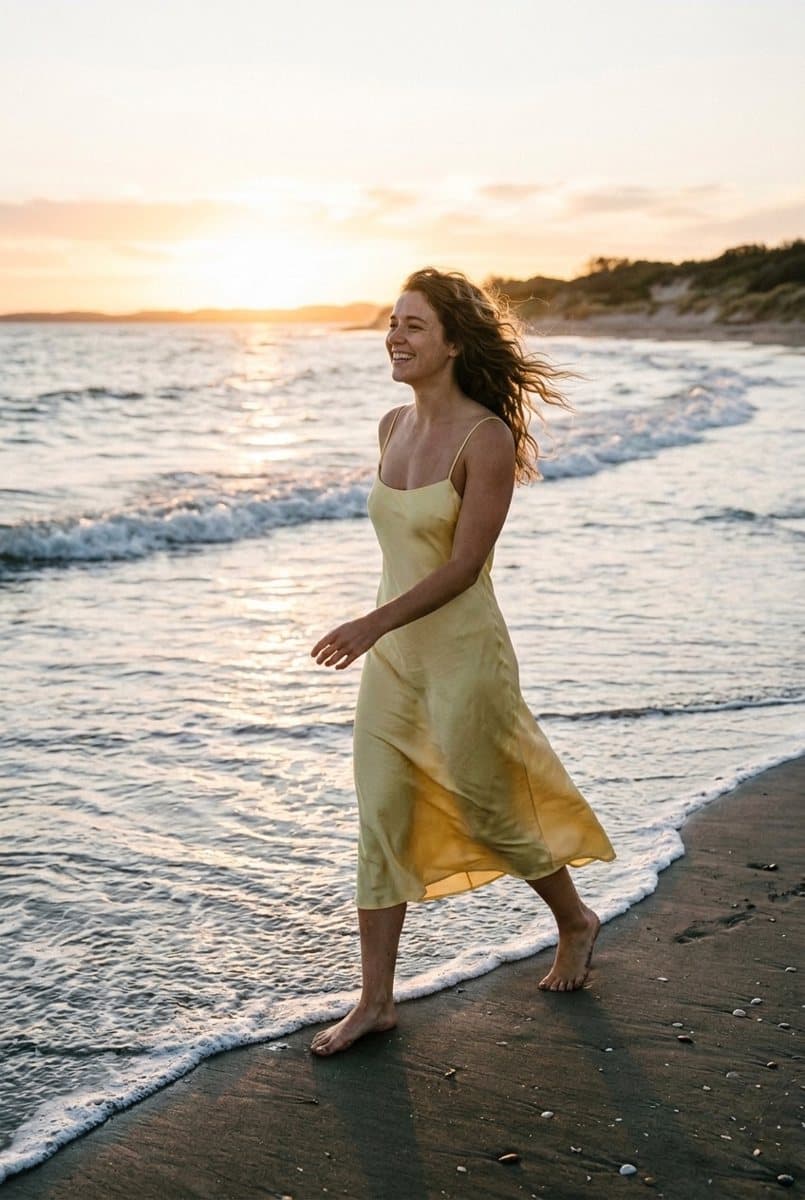
A still photo that walks
The photo sets the person and the scene; the video sets the moves.
Motion transfer, not a filter
It's not a zoom or a parallax effect — the person really moves.
Any moves from any clip
A TikTok dance, a runway walk, a wave or a jump — the video is the choreography.
Your photo's scene
The background, light and outfit stay from your photo; only the person starts moving.
Whole body motion
Arms, legs, head and body follow the reference, frame by frame.
Up to 10 seconds
Use MP4 or MOV clips up to 10 seconds and 50 MB, straight from your phone.
Ready in 3–5 minutes
Close the page if you like — the video lands in your gallery with a notification.
No watermark
Save the result to your phone or post it right away.
How to animate a photo
- 1
Pick a photo
Full body or waist up, with nothing covering the person.
- 2
Add a video with moves
One person fully in frame, no cuts, up to 10 seconds.
- 3
Watch it move
In 3–5 minutes your photo dances, walks or waves like in the clip.
Ideas to try
- Make an old photo of yourself dance to a trending sound
- Turn a fashion photo into a runway walk
- Animate a portrait to wave hello for a greeting card
- Bring a travel photo to life for Reels
- Make a group's favorite dance move with your own photo
More video tools
Want to put yourself into an existing clip instead? Swap yourself into any video — or turn a clip into a GIF for free.
Questions about photo animation
What's the difference from face swap video?
Here the scene comes from your photo and only the moves from the video. In the video swap it's the other way round: the scene stays from the clip and the person is replaced with you.
What photos work best?
One person, full body or waist up, with arms and legs visible and nothing in front of them. Close-up selfies animate only the head and shoulders.
What video should I use?
A clip with one person fully in frame and no cuts: a dance, a walk, a gesture. Up to 10 seconds, MP4 or MOV.
How much does it cost?
It's paid with coins per second of video. The exact price is shown on the button before you start; if something fails, the coins come back.
How long does it take?
Usually 3–5 minutes. You can leave the page — the video appears in your gallery.
Can I animate someone else's photo?
Only with their permission. Don't create videos that mislead people or show someone doing things they didn't agree to.