AI photo editor · free to start
Edit photos by simply saying what to change
Type “make the dress red” or “add sunset light” — Shootie changes exactly that and keeps the rest of the photo as it was. Viral effects, 4K upscale and the best AI models, right in your browser.
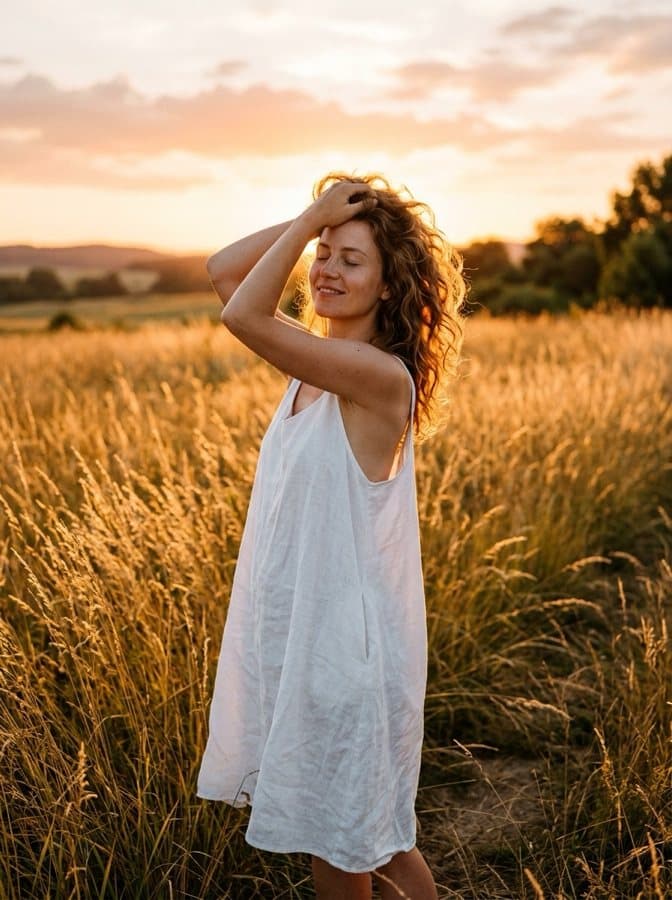
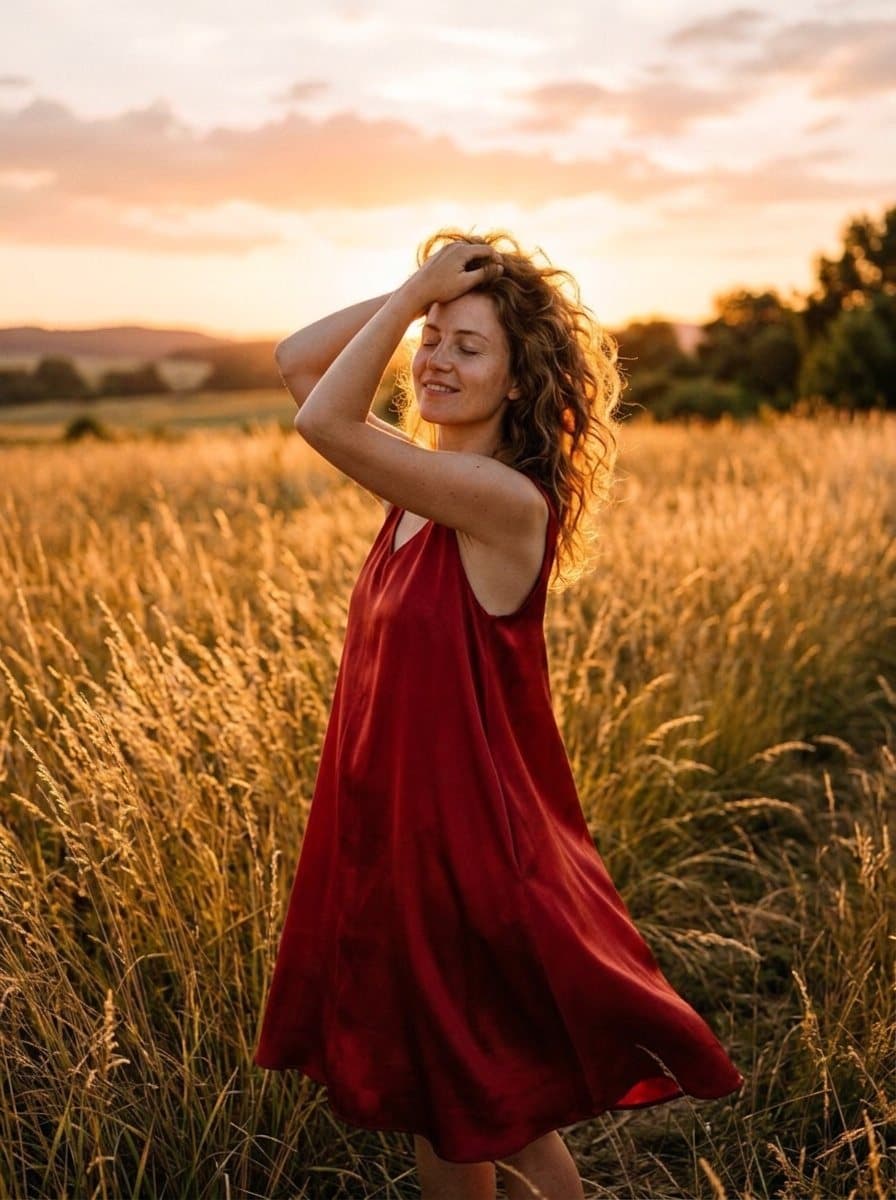
Change her white dress to a red silk dress
One sentence instead of an hour in Photoshop
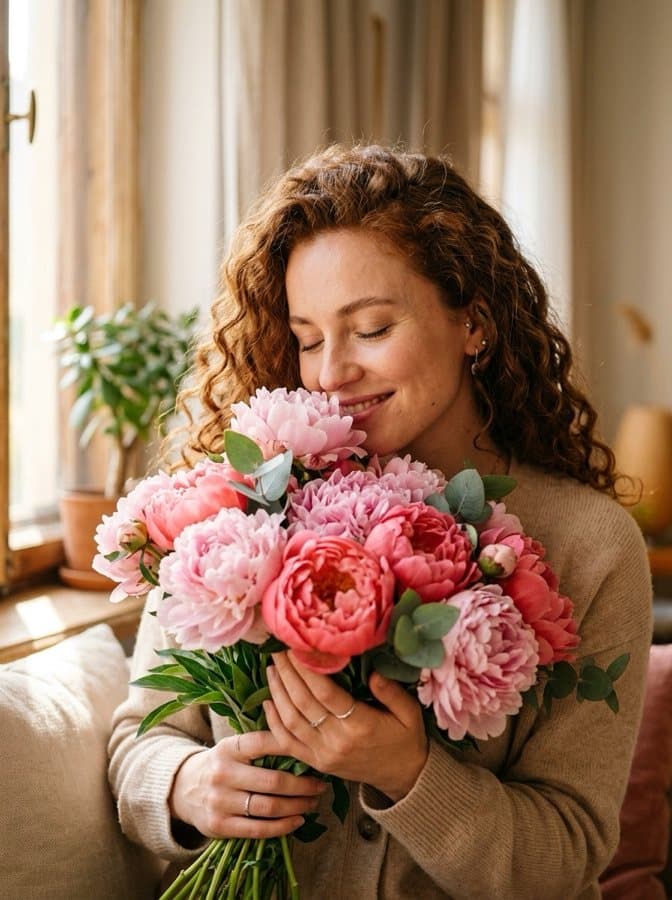
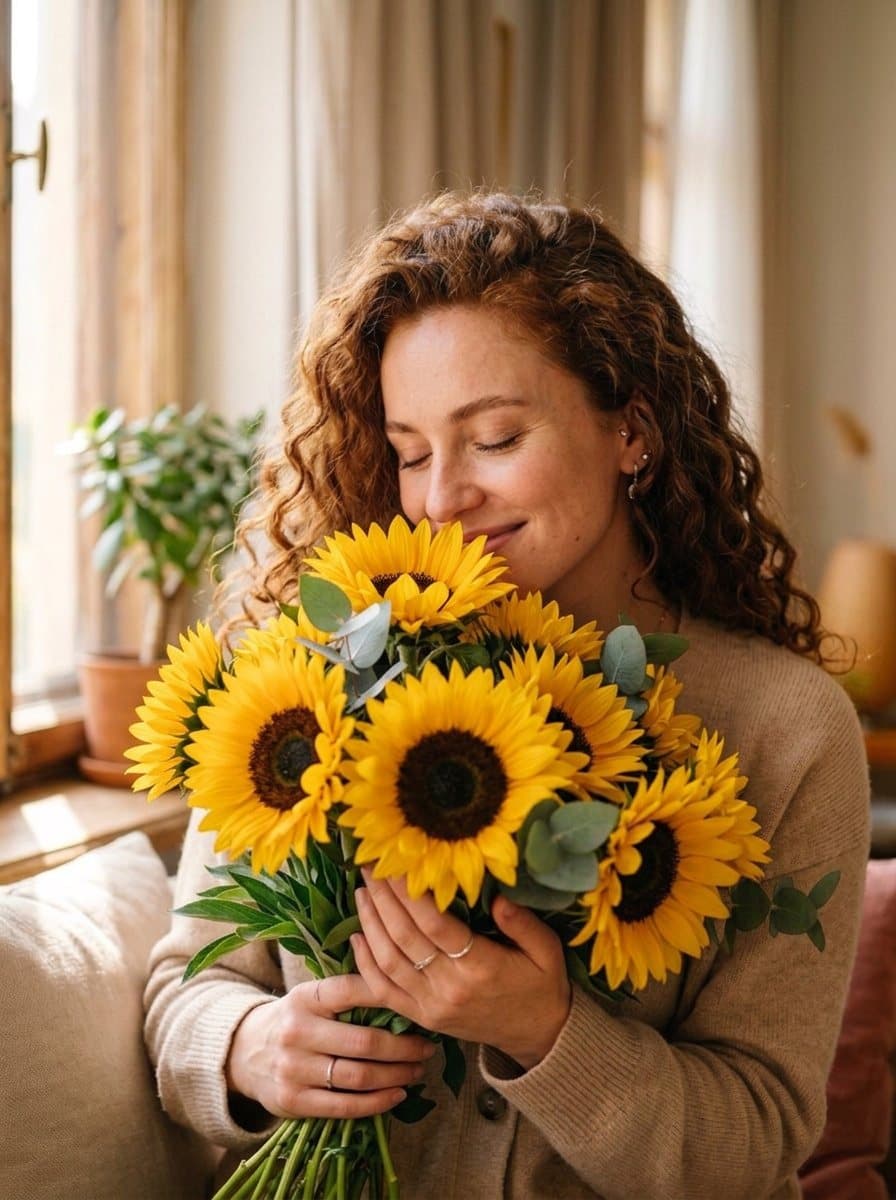
Describe the change in your own words. The AI understands what to edit and what to keep: the face, the pose and the light stay the same.
“Change her white dress to a red silk dress”
“Replace the peonies with sunflowers”
Viral effects in one tap
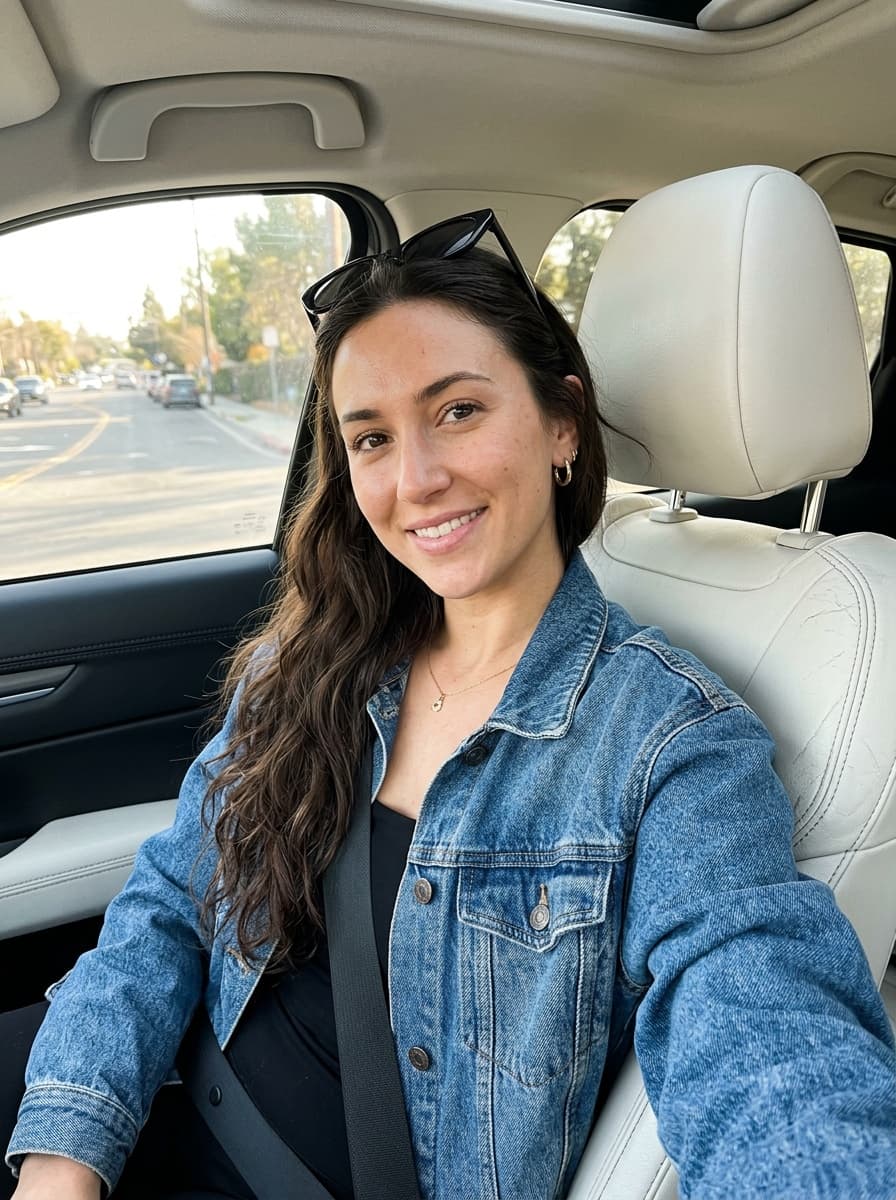
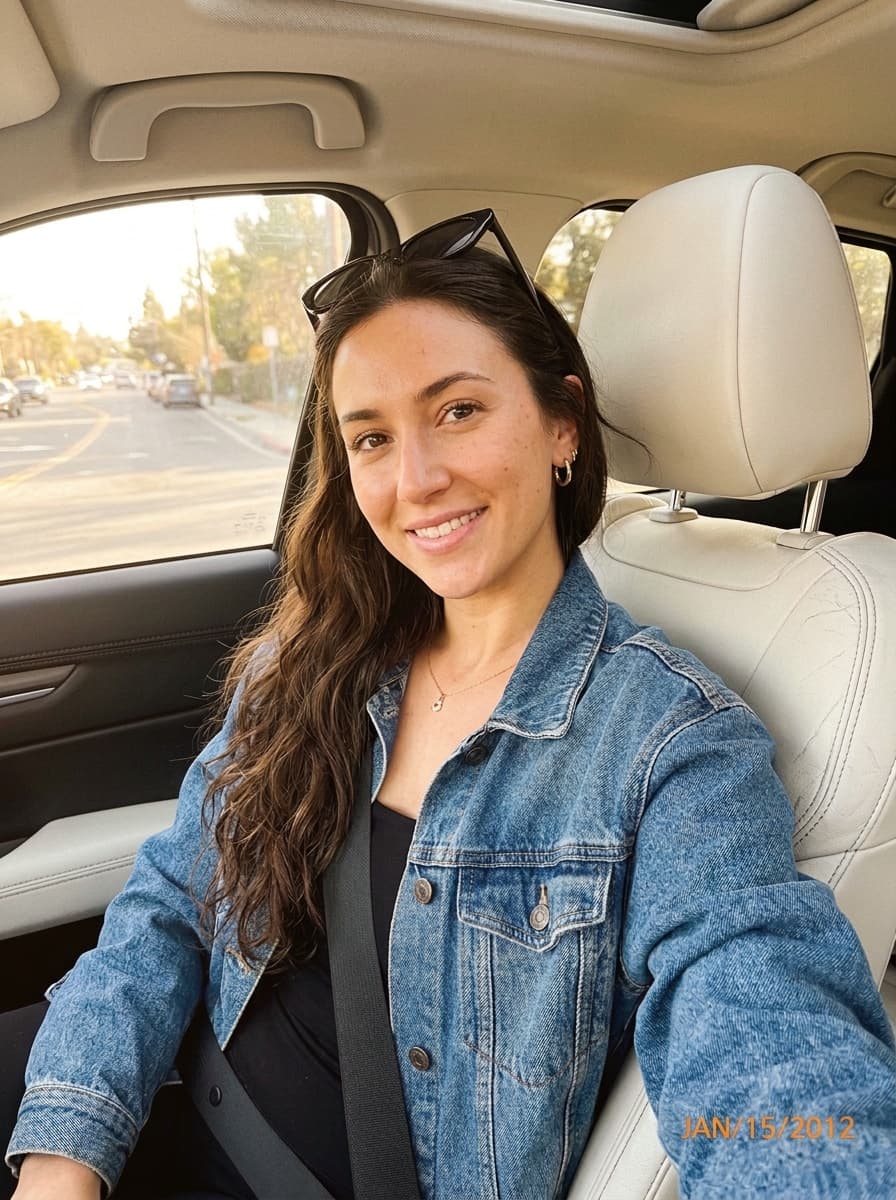
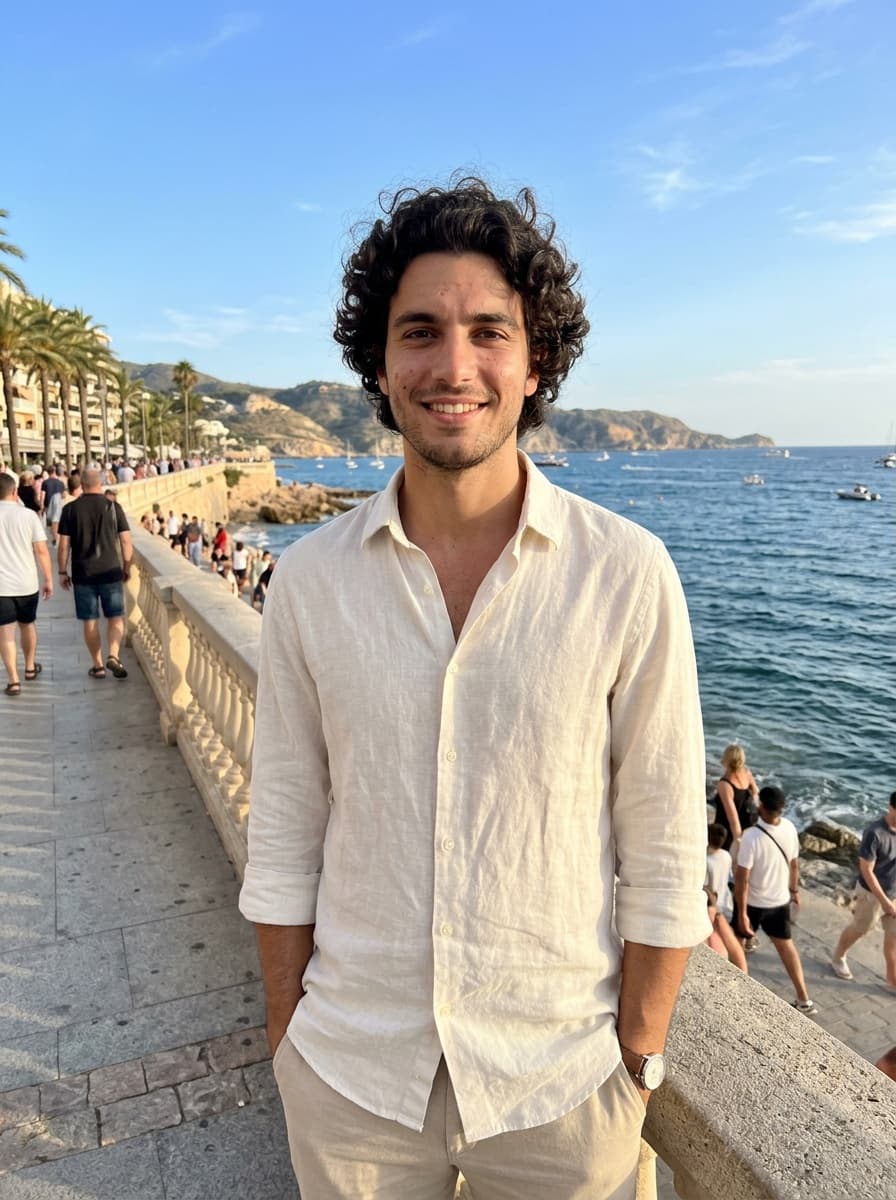
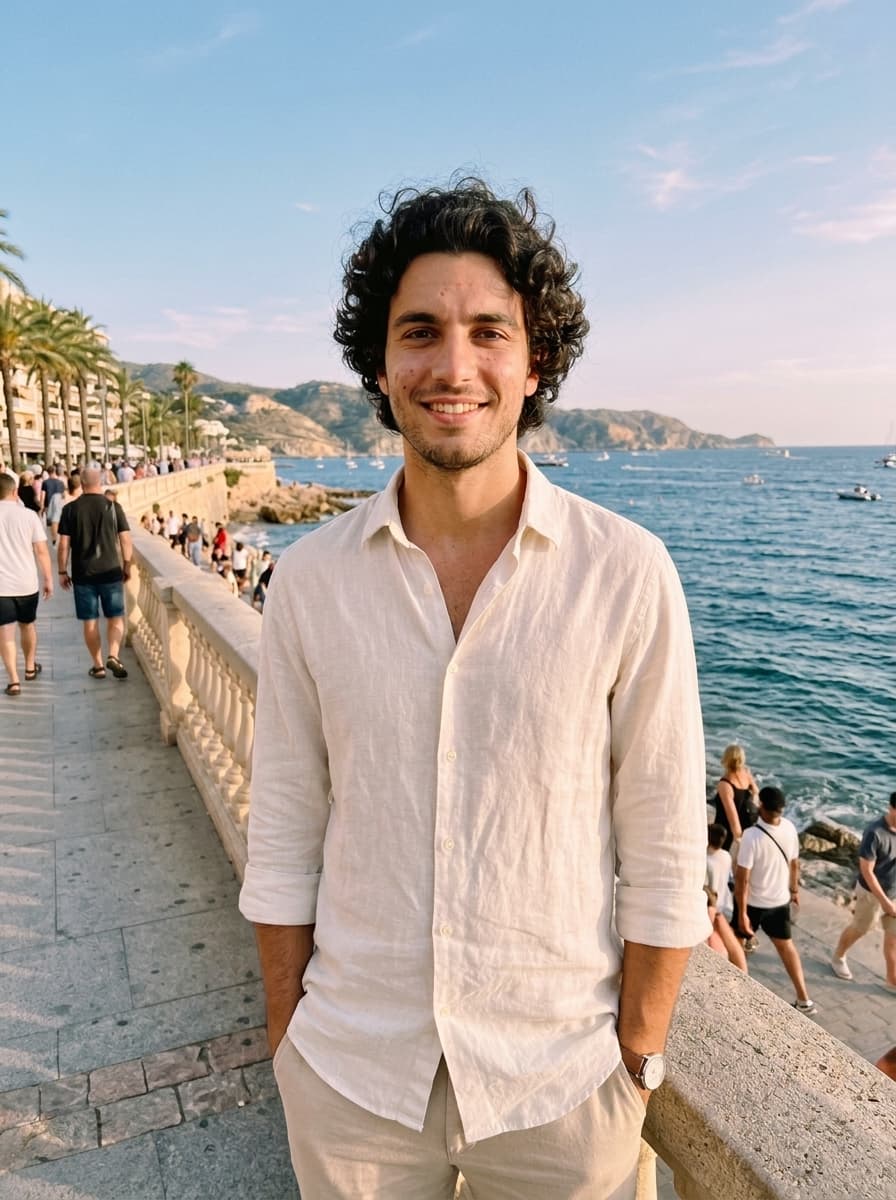
The looks everyone is posting right now: flash photo, 2000s digicam, film, golden hour and more. Pick an effect — no prompt needed.
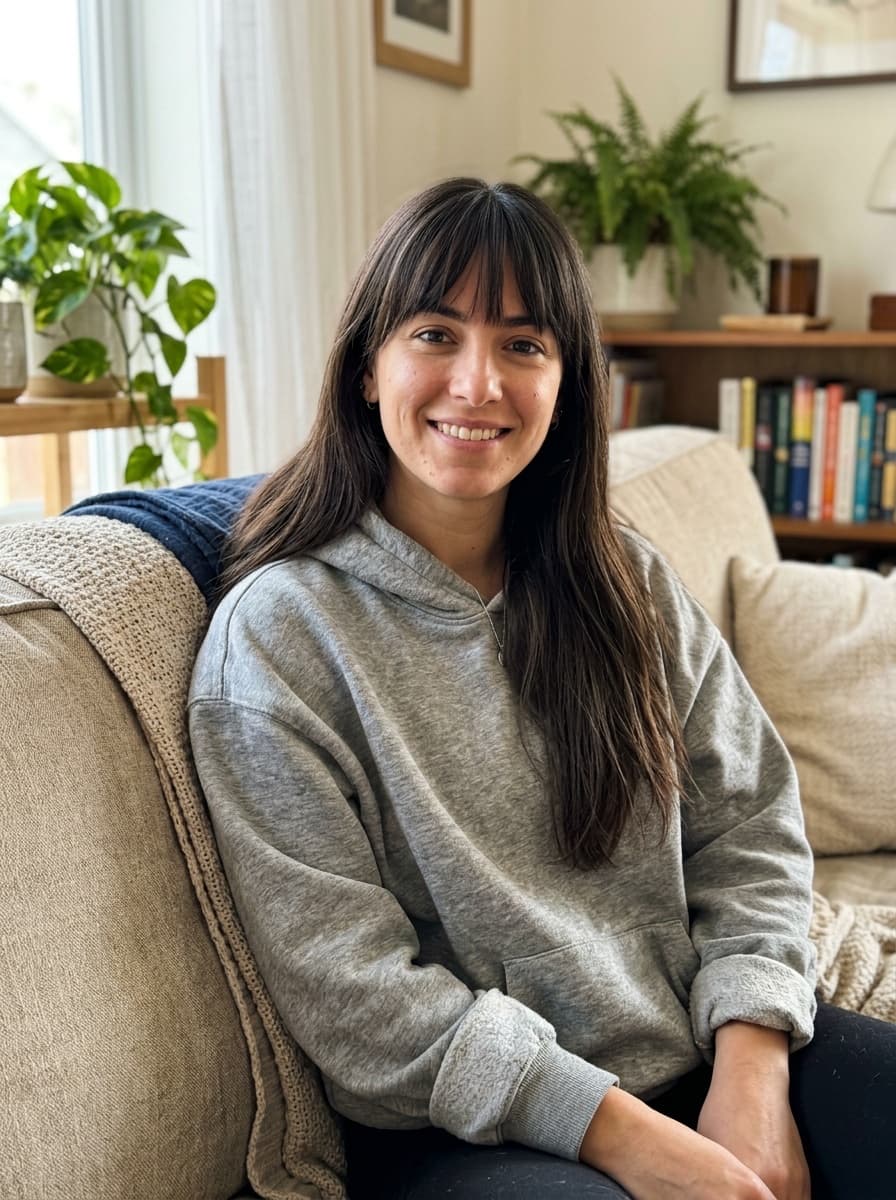
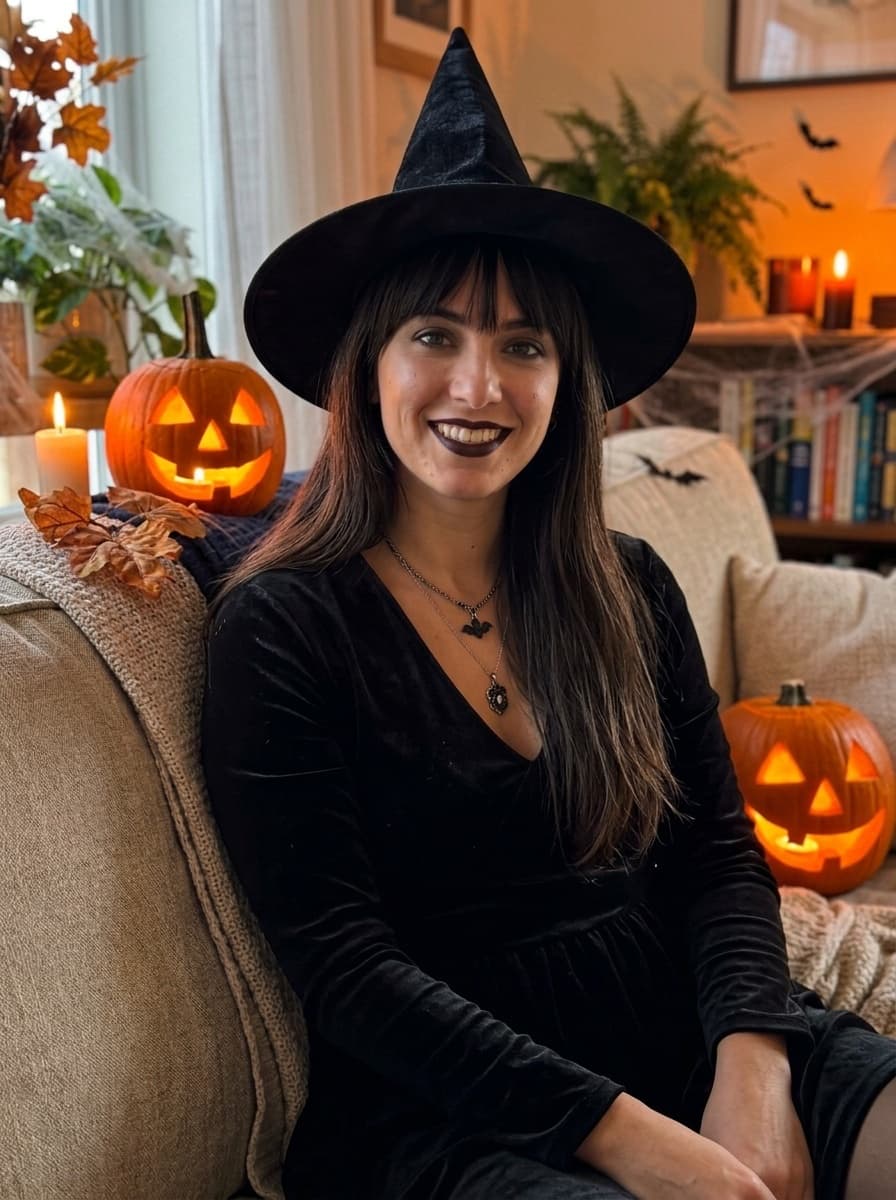
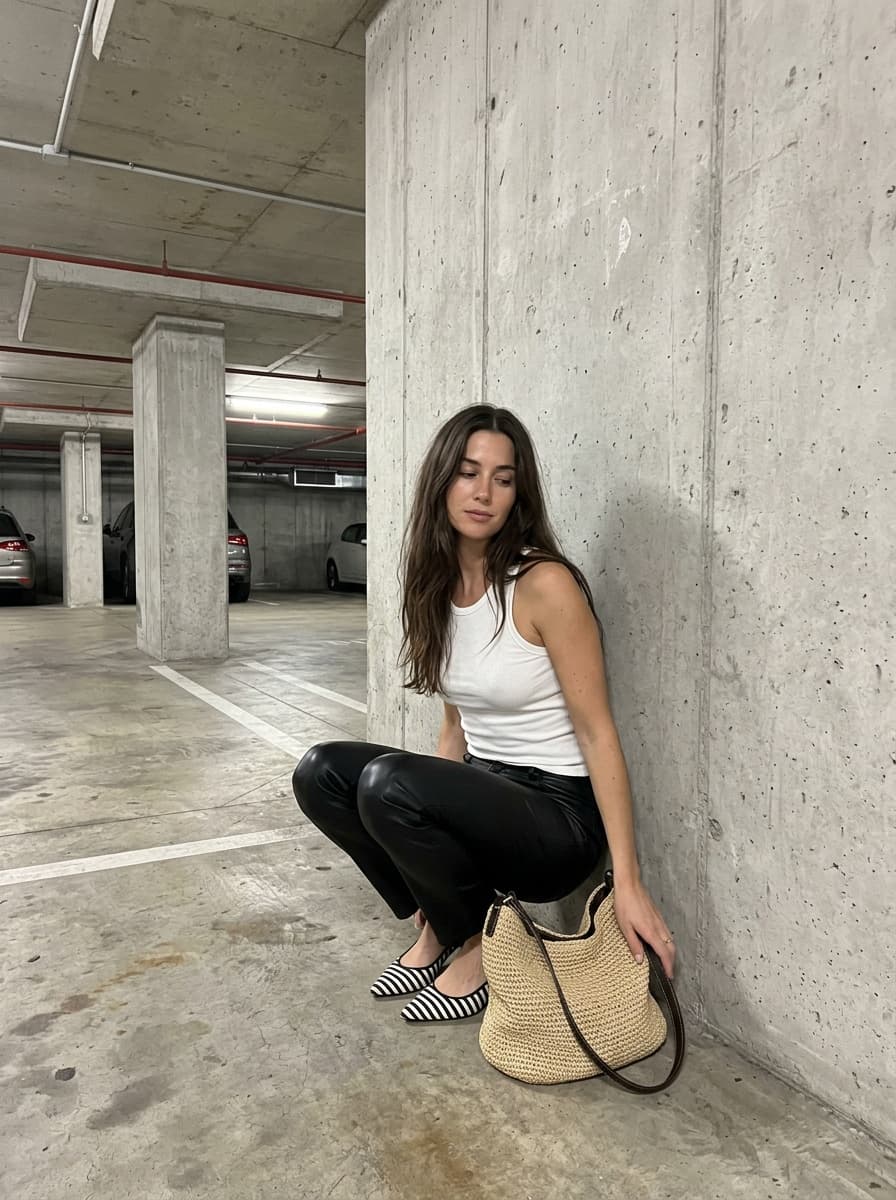
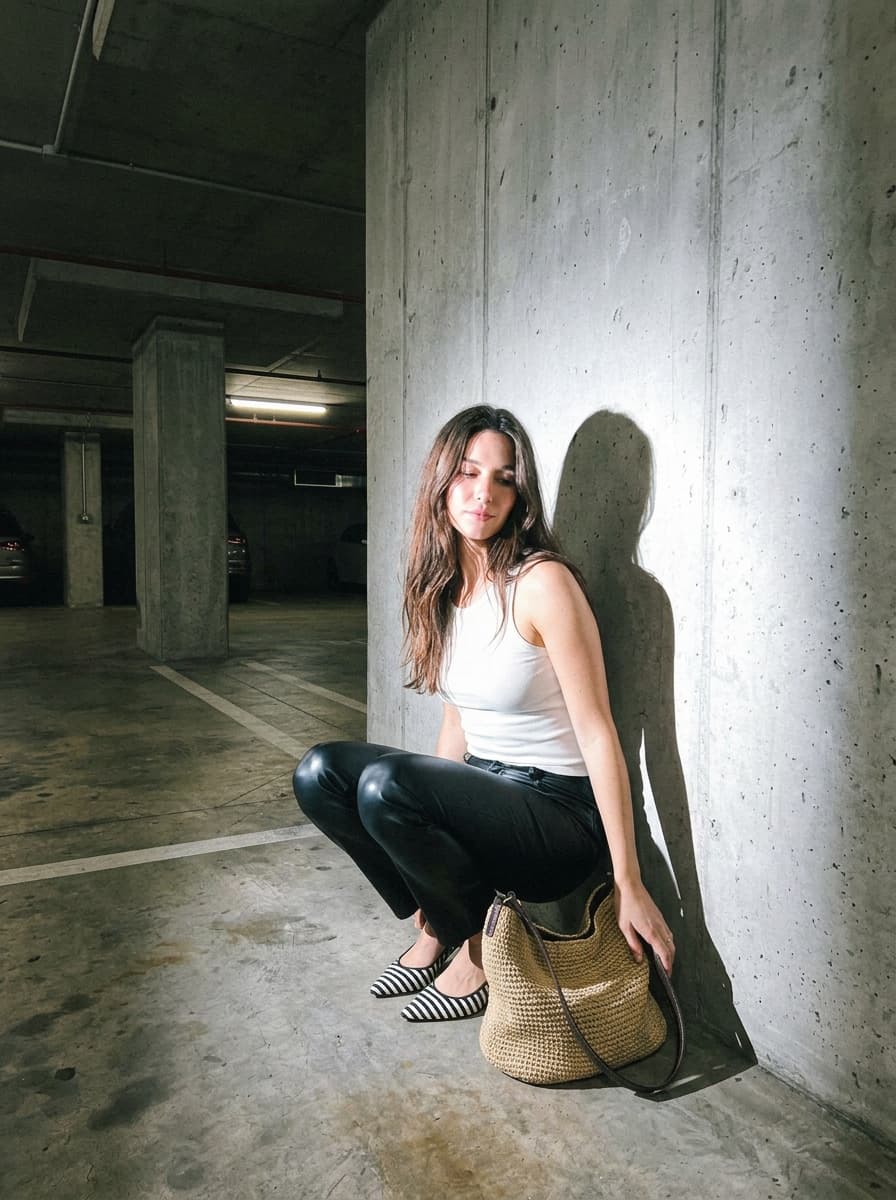
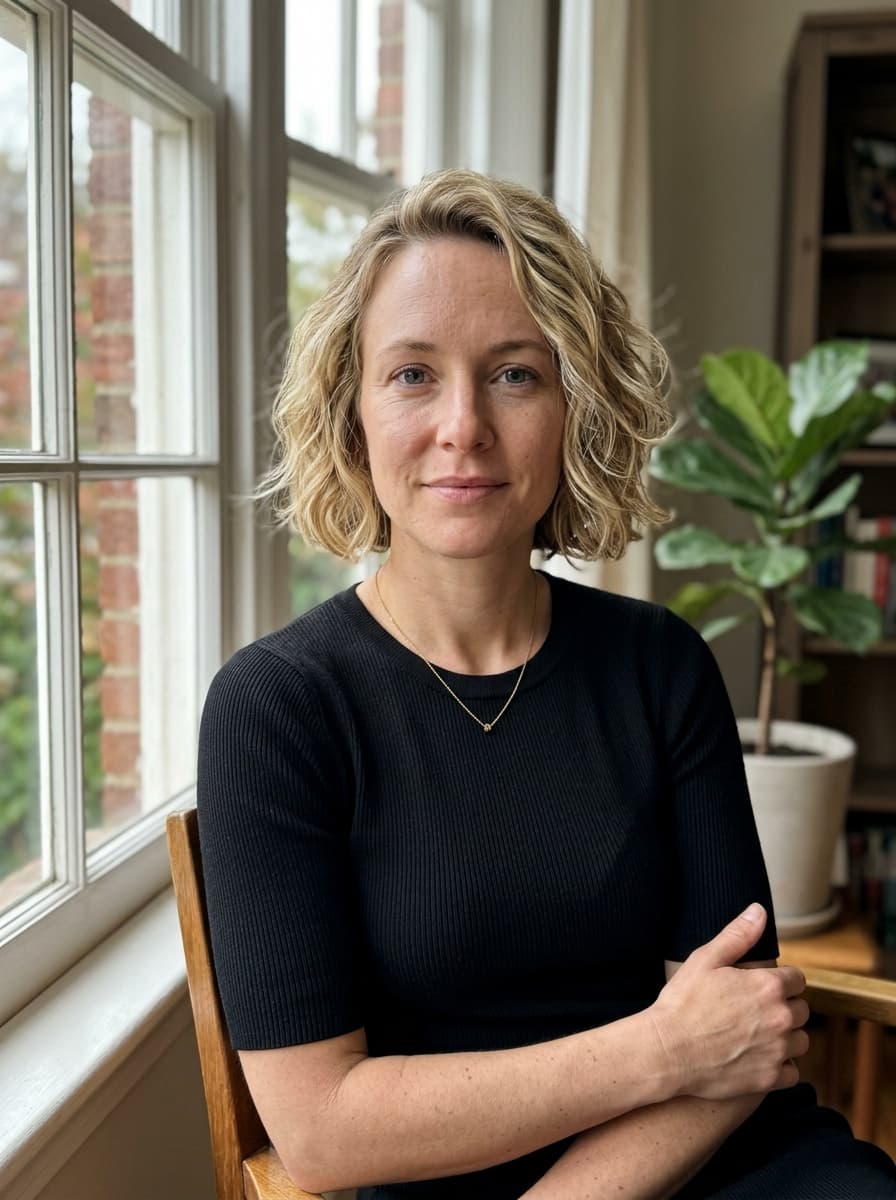
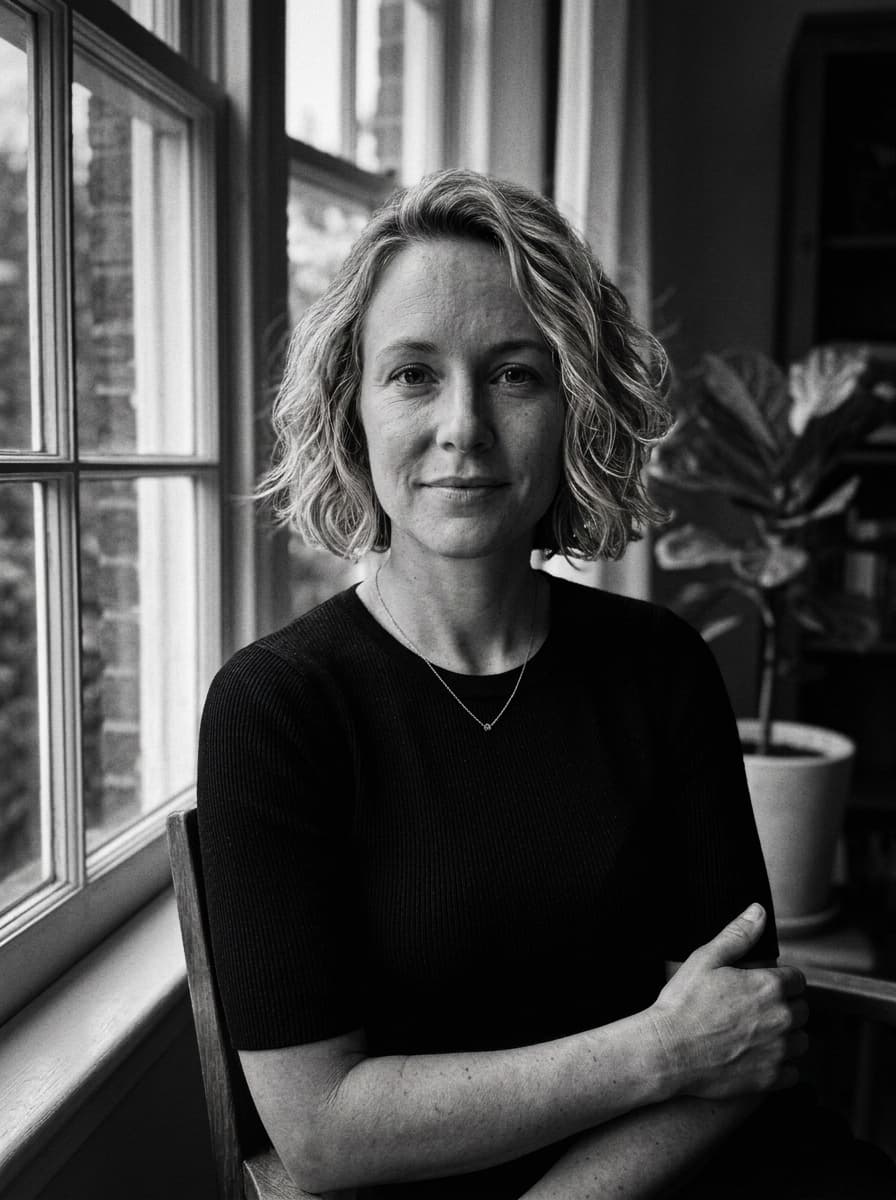
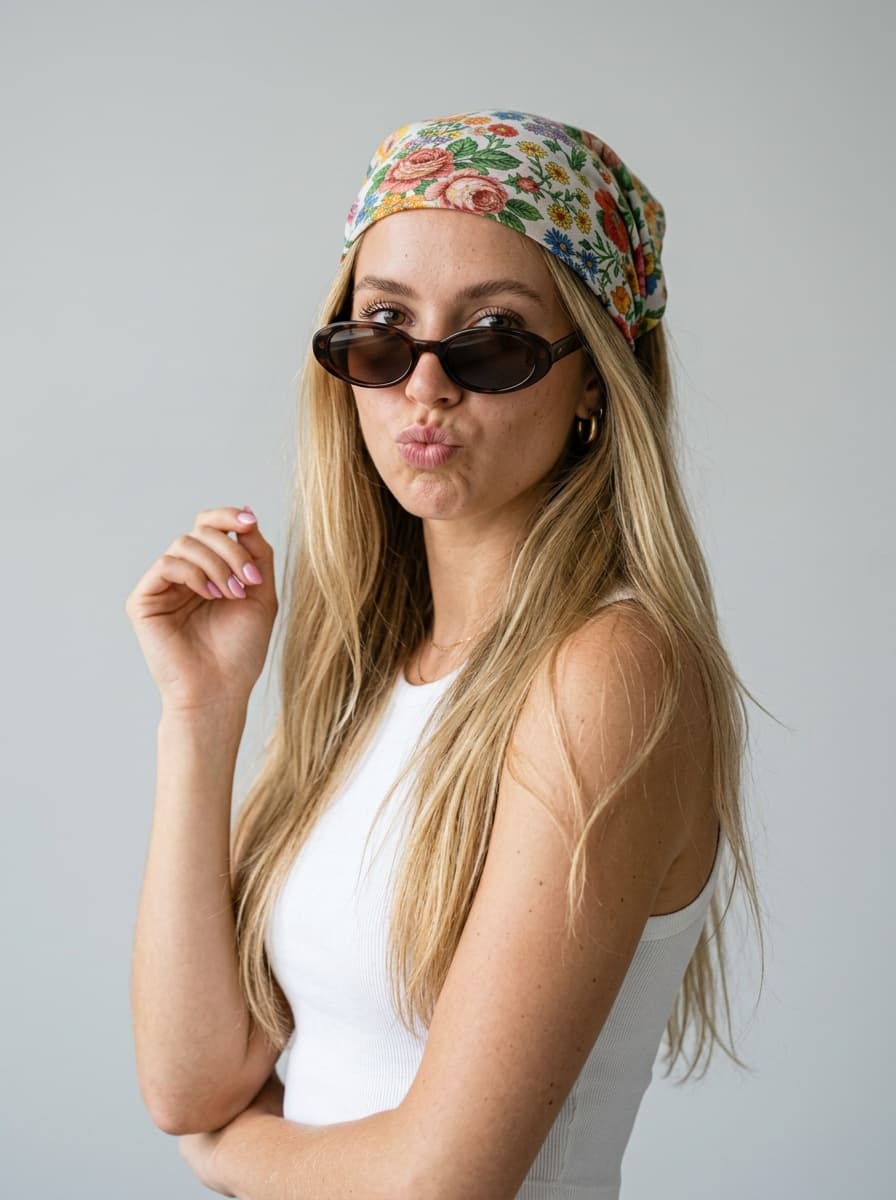
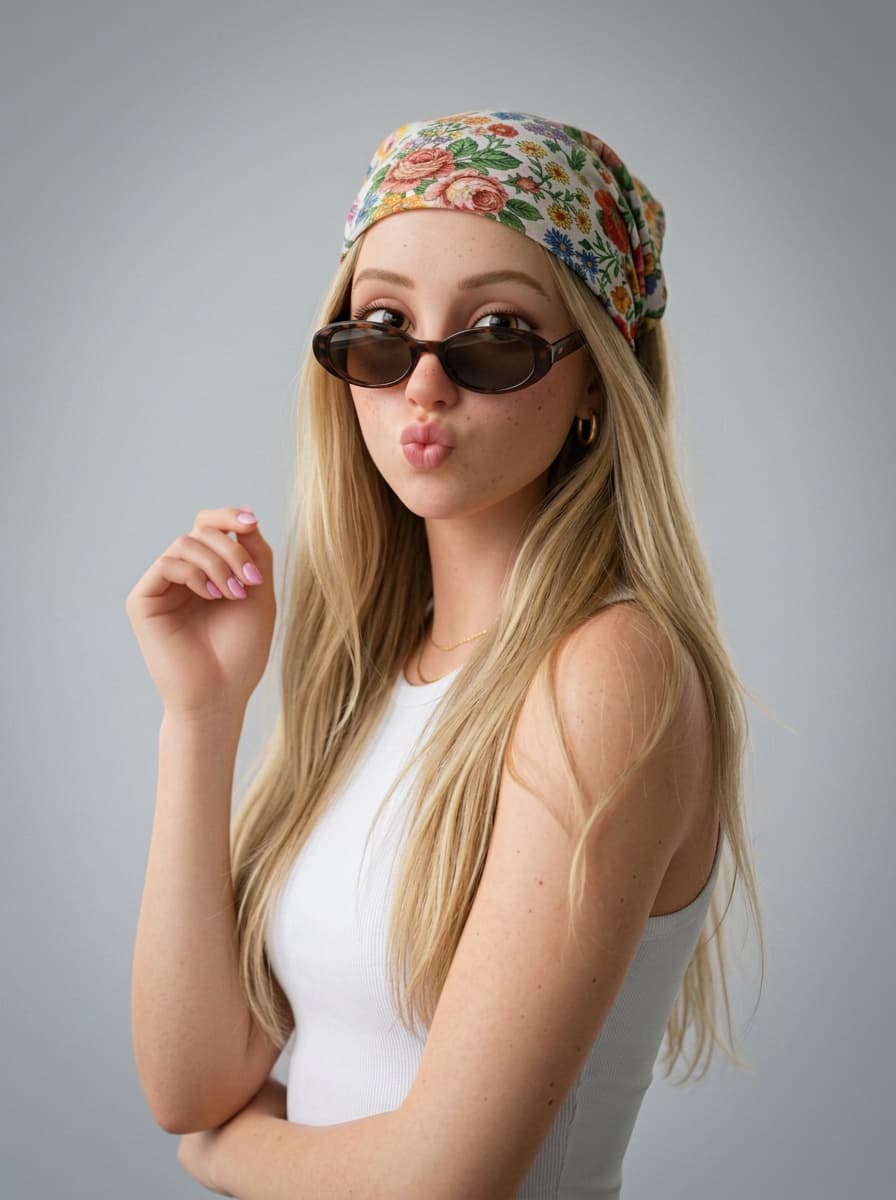
Everything you need to make a photo look amazing
One app instead of five: from quick fixes to full-blown AI photo shoots.
Edits with text
Change the background, outfit, hair color or light, remove people and objects, add details. Write in any language.
Top AI models
GPT Image 2, Nano Banana 2, FLUX Kontext and Seedream 4.5 in one place — choose the model for each edit.
Trending effects
Flash, G7X digicam, Kodak Portra film, noir, cartoon, night photo, Halloween — new looks are added every month.
AI agent with ideas
Not sure what to change? Send a photo — the agent looks at it and suggests edits that suit this exact shot.
4K, restoration, cutout
Upscale to 4K without a plastic look, restore old photos and remove the background in seconds.
Free photo tools
Polaroid frames, film strips, a photo booth strip and an Instagram grid split — free and right on your device.
How it works
- 1
Upload a photo
From your phone or computer. Or start from scratch and describe the picture you want.
- 2
Describe the change
Type what to change or pick a ready-made effect. Choose a model if you like.
- 3
Save the result
Usually under a minute. Download it or keep it in your private gallery.
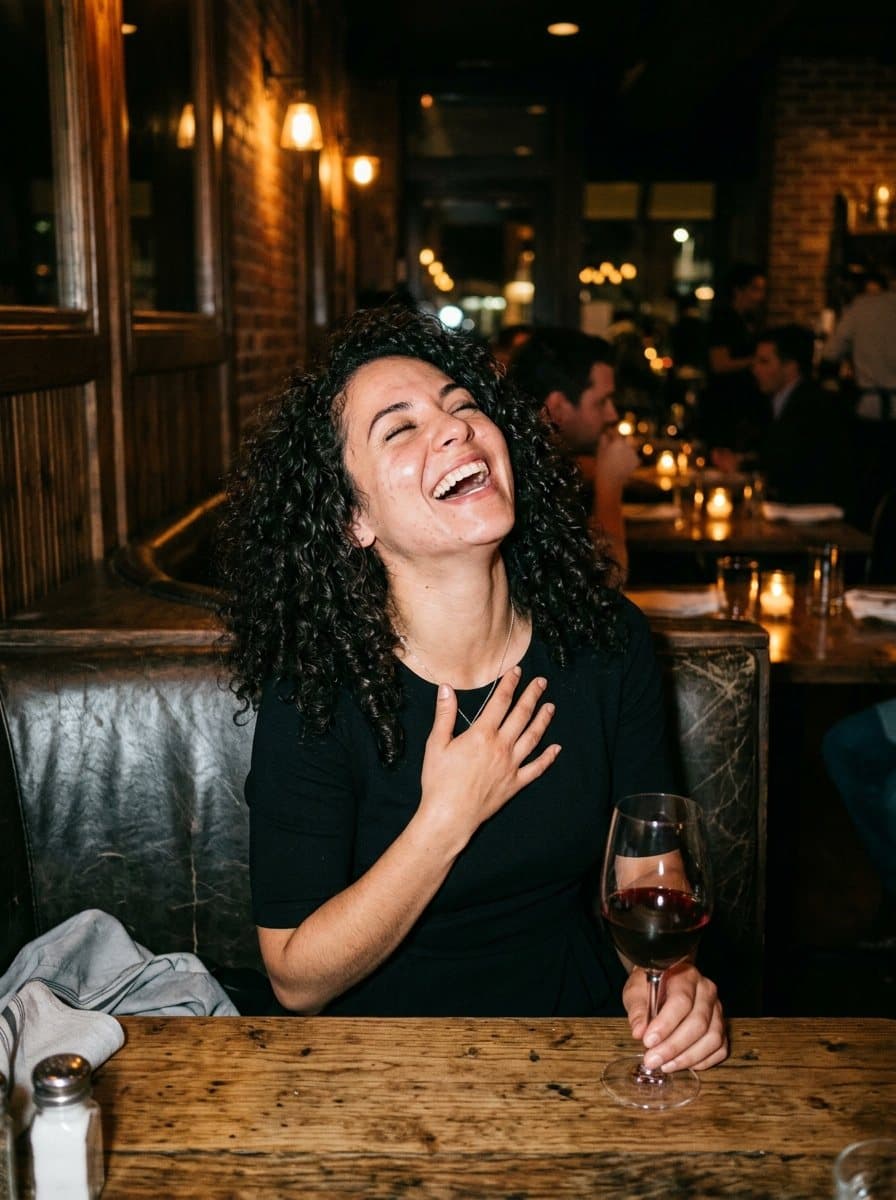

Copy Shot: any photo — starring you
Saw a perfect shot on Pinterest? Add 2–3 selfies and get the same pose, outfit and light with your face.
Learn about Copy ShotQuestions and answers
Is Shootie free?
You can start for free: new accounts get welcome coins for AI edits. Polaroid, Film Roll, Photo Booth and Grid Split don't use coins at all. For more edits there are coin packs and a subscription.
Do I need to install an app?
No. Shootie works in the browser on a phone and on a computer. If you like, add it to your home screen — it will open like a regular app.
Which AI models can I use?
GPT Image 2, Nano Banana 2, FLUX Kontext and Seedream 4.5. They differ in style and price — you can pick one for each edit.
What can I change with a text prompt?
Almost anything: background, lighting, time of day, outfit, hair color, makeup, objects in the frame. You can remove strangers from the background or turn a photo into a cartoon.
Will the person still look like themselves?
The editor changes only what you asked for and keeps the face, pose and composition. If the result isn't quite right, rephrase the request or try another model.
Who can see my photos?
Only you. Photos are kept in your private gallery, and you can delete them at any time.
Try it on your own photo
Sign up in a few seconds and get welcome coins for your first edits.
Open the editor