AI Copy Shot
Recreate any photo — with your face
Found a shot you love on Pinterest or Instagram? Copy Shot recreates it with you in the frame: the same pose, outfit, light and mood. No photographer, no trip, no studio.
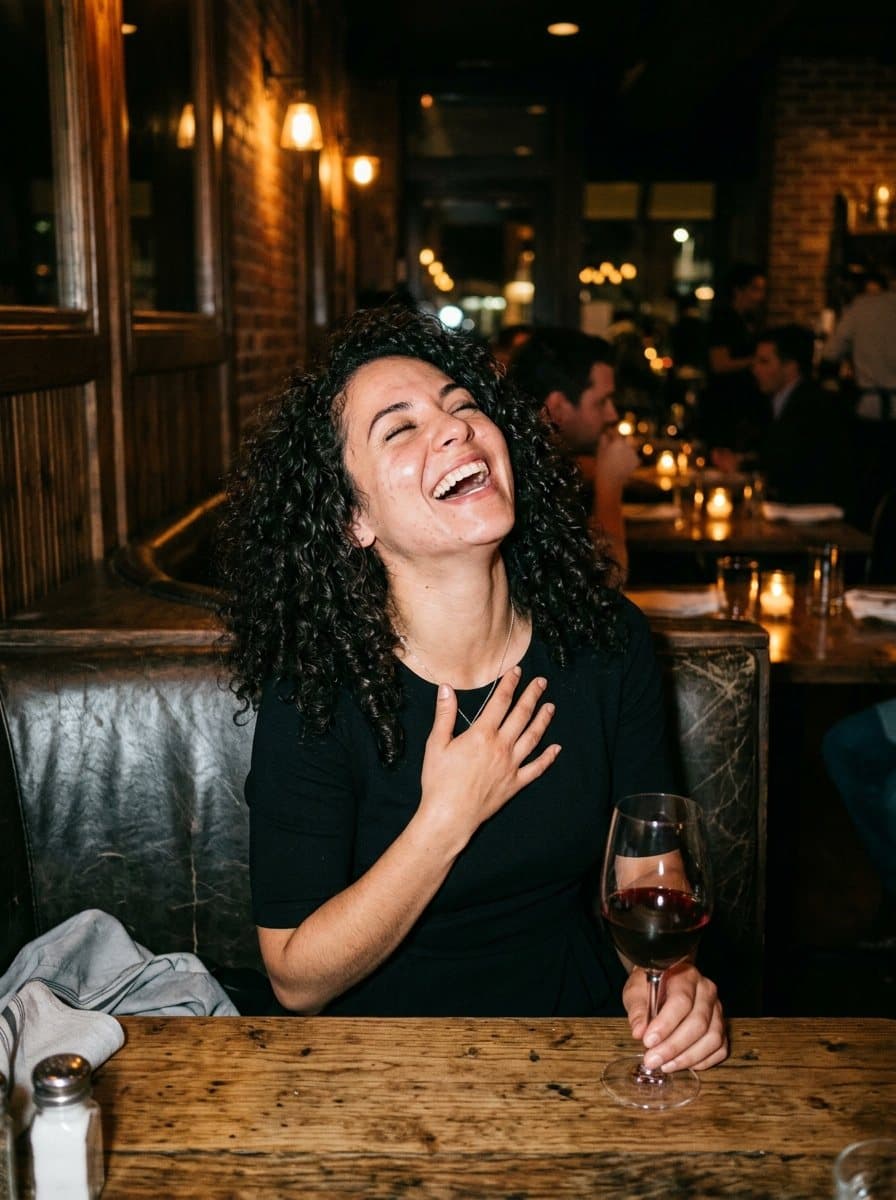
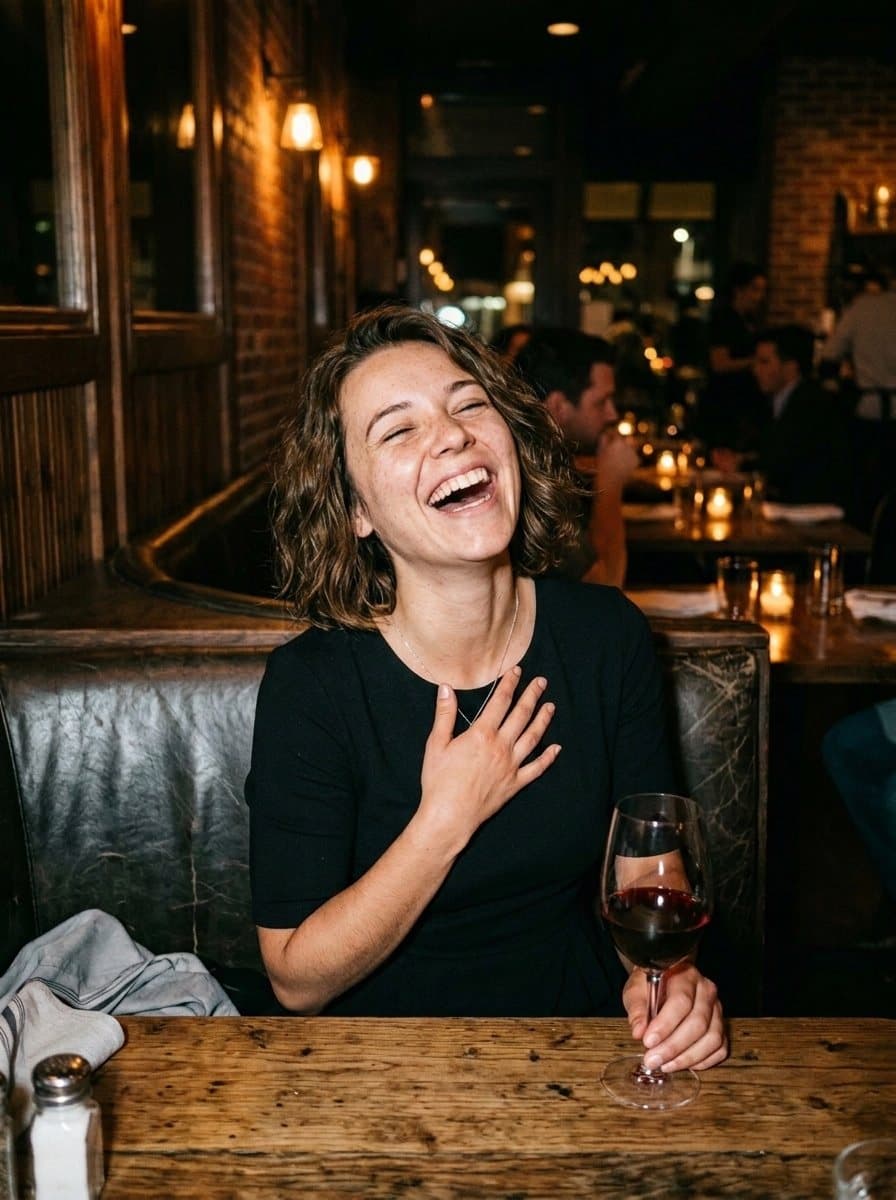
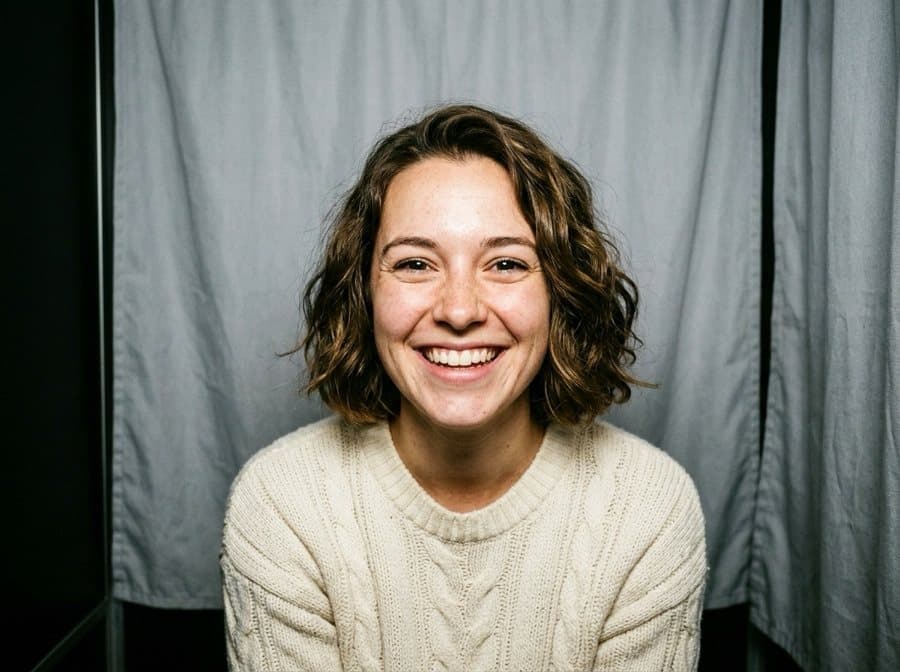
Same shot. Your face.
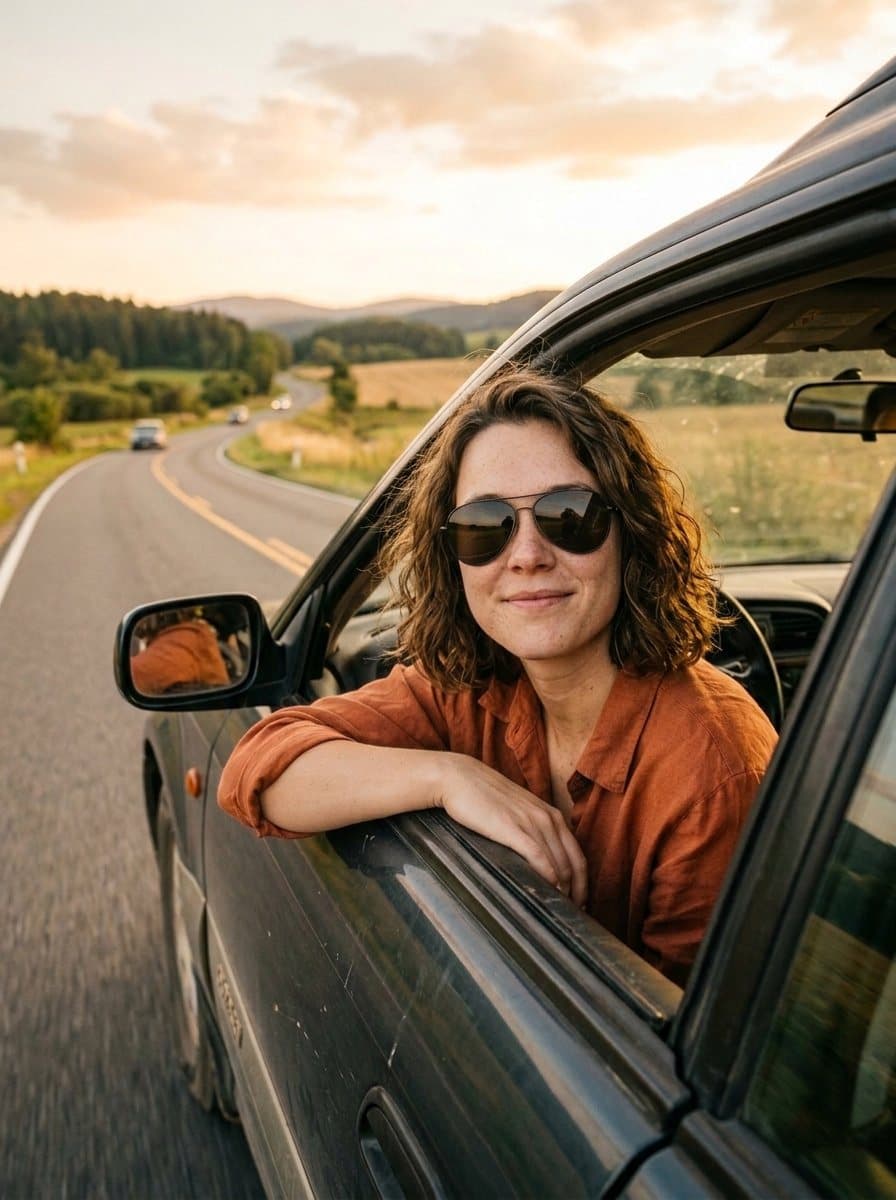
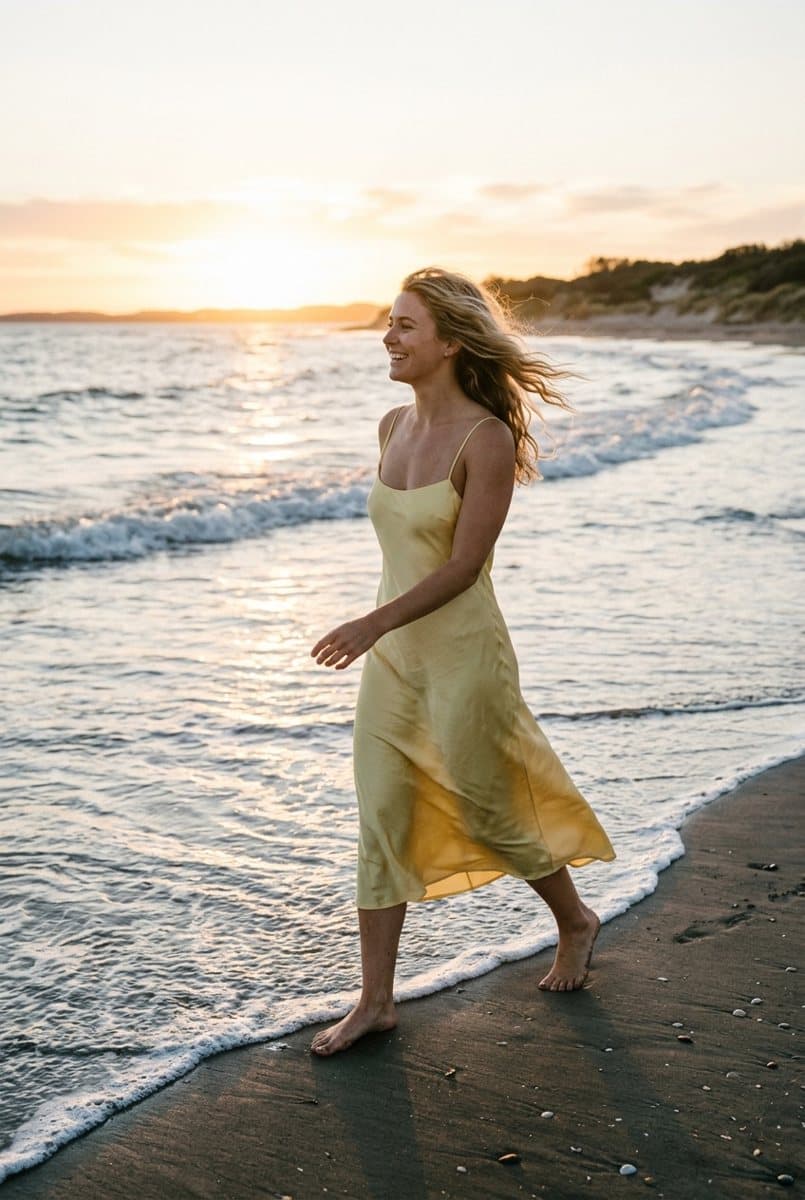
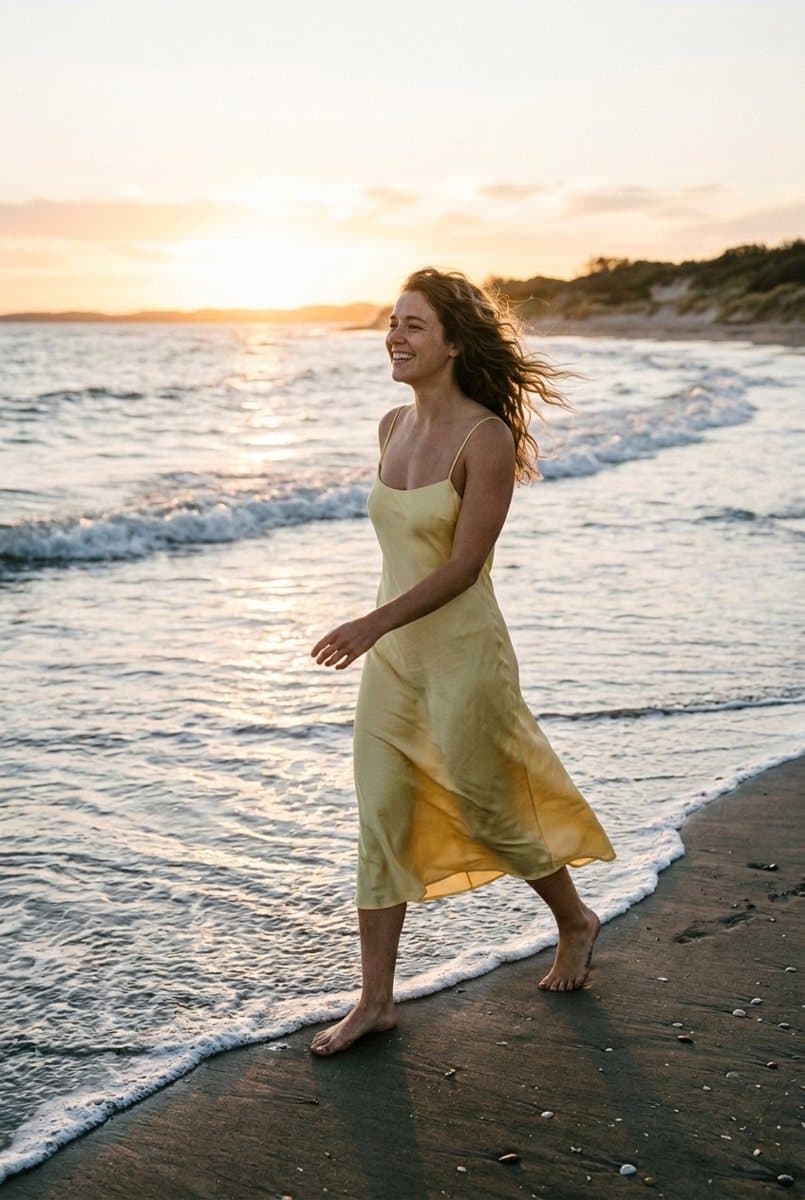
Real Copy Shot results: the reference photo and what Shootie made from it with three selfies.
Three steps to your shot
- 1
Choose a photo
Upload a screenshot, paste a Pinterest or Instagram link, or pick one of the popular shots.
- 2
Add 2–3 selfies once
Shootie creates your Soul — it remembers how you look, so next time you skip this step.
- 3
Get 1 or 4 photos
Usually in under a minute. A set of four looks like different moments of the same photo shoot.
Why Copy Shot looks real
It's not a face swap pasted on top: the whole photo is created again — with you in it.
The whole scene is kept
Pose, framing, outfit, background, light and color grading — just like in the original.
It looks like you
Your face is taken from several selfies, so the likeness holds up from different angles.
Works with links
Paste a link to a Pinterest pin or an Instagram post — Shootie will find the photo itself.
Four takes at once
Order a set and get four variations with small changes in expression and pose.
Keep editing
Open the result in the AI editor: change details, add an effect or upscale to 4K.
Private by default
Selfies are used only to create your photos. You can delete them at any time.
Need an idea? Start with a popular shot
Tap any photo to recreate it with yourself.


Tips for the best result
- Use selfies in good light, with your face clearly visible and no sunglasses.
- Choose references with one person in the frame — it works most reliably.
- The closer the framing of the reference to your selfies, the stronger the likeness.
- Try a set of four: it's easier to pick the perfect shot.
Want to change something else?
The AI photo editor changes the background, outfit or light with one sentence.
Questions and answers
What is Copy Shot?
It's a Shootie feature that recreates any photo with you in it. You choose a reference, add a few selfies, and the AI creates a new photo with the same scene and your face.
How many selfies do I need?
Two or three. Look at the camera, keep your face clearly visible, without sunglasses or strong filters. Only adults can create a Soul.
Which photos can I use as a reference?
Any photo with one person: from Pinterest, Instagram, a magazine or a screenshot. The result is for your personal use — please don't present it as the original author's work.
Can I put someone else's face in a photo?
Only use selfies of yourself or of someone who has agreed to it. Photos of children are not allowed.
How much does it cost?
Copy Shot uses coins: one photo or a set of four. New accounts get welcome coins, so you can try it for free.
Are my selfies safe?
Selfies are stored privately and used only to create your photos. You can delete a Soul with its selfies at any time.
Your next favorite photo is one tap away
Pick a shot, add selfies — and see yourself in it in a minute.
Create my Copy Shot