AI face swap for video
Put yourself into any video
Upload a short clip and one photo. AI replaces the person in the video with you — your face, hair and outfit — and keeps the moves, camera, scene and sound.
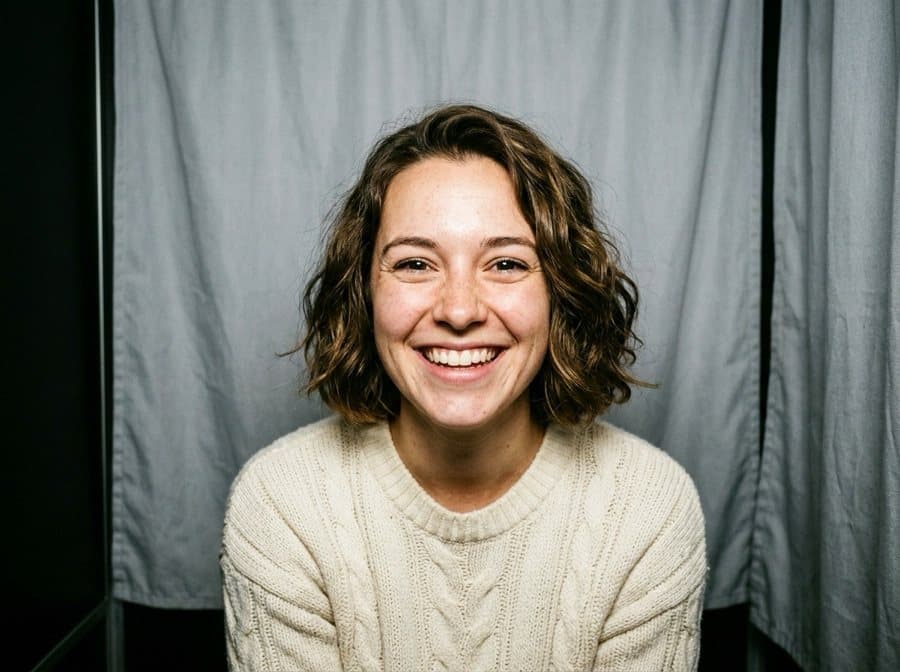
One photo, a new video
The clip sets the moves and the scene; the photo sets who's in it.
What the video swap keeps and changes
No green screen, no editing app — just a clip and a photo.
Whole person, not a mask
Face, hair and outfit come from your photo, so the result doesn't look like a face pasted on top.
Moves stay the same
Every step, gesture and head turn from the original clip is kept.
Scene and sound stay
Background, camera motion, light and the original audio stay as in the video.
Phone videos welcome
MP4 or MOV straight from the camera roll, up to 10 seconds and 50 MB.
Ready in 1–2 minutes
You can close the page — the video lands in your gallery and you get a notification.
Private by default
Your clip, photo and result are stored in your private gallery; you can delete them any time.
How to swap yourself into a video
- 1
Choose a clip
A short video with one person, up to 10 seconds. Clips up to 5 seconds cost half as much.
- 2
Add a photo
A clear photo of the person to put in — face visible, ideally waist up.
- 3
Get the video
In 1–2 minutes the new clip is ready to watch, save to your phone or post.
What people make with it
- Put yourself into a trending Reels or TikTok clip
- See yourself in a movie-style walk or a fashion runway shot
- Make a birthday or holiday video with a friend in the lead (with their permission)
- Try a scene before filming it yourself
- Turn a stock clip into a personal intro for your profile
More video tools
Want your photo to repeat a dance instead? Animate it with moves from any video — or turn a clip into a GIF for free.
Questions about face swap video
Does it swap only the face?
No — the whole person is replaced: face, hair and clothes come from your photo. The moves, background, camera and sound stay from the original clip.
What videos work best?
Short clips with one person whose face is visible most of the time: a walk, a dance, a turn to the camera. Avoid crowds, fast cuts and faces hidden by hands or hair.
How long can the video be?
Up to 10 seconds, MP4 or MOV, up to 50 MB. Trim a longer video in your phone's gallery first.
How much does it cost?
It's paid with coins, and the price depends on the clip length — clips up to 5 seconds cost half as much. The exact price is shown on the button before you start; if something fails, the coins come back.
Can I use someone else's photo?
Only with that person's permission. Don't use the tool to impersonate people, mislead others or create content about someone without consent — this is against the rules.
Is there a watermark?
No. The video is saved in your gallery without a logo, ready to download or share.