Free film roll & film strip maker
Your photos on a 35mm film roll
Pick up to 4 photos and get a roll of film with sprocket holes, frame numbers and a film-stock look — right in your browser. Free, no watermark, ready for Stories and print.
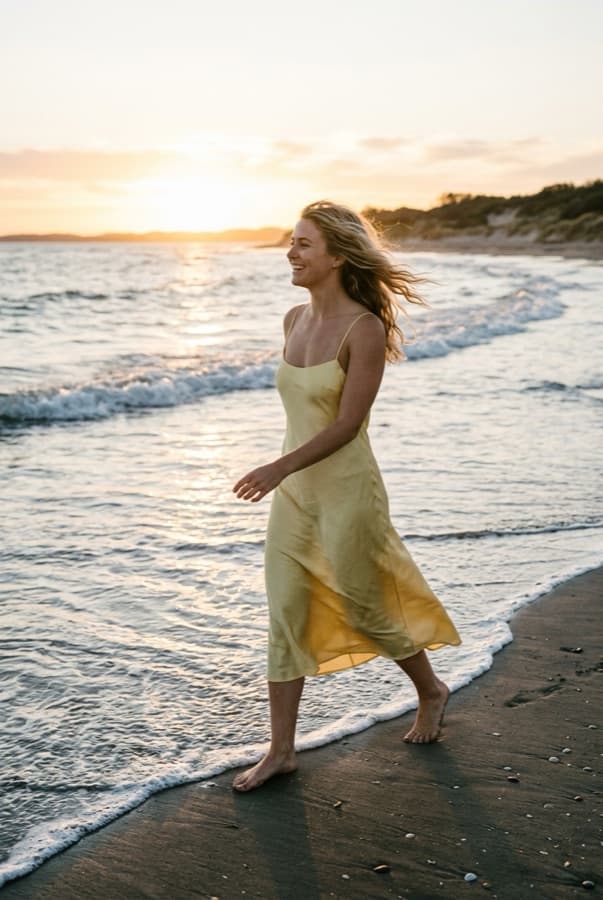
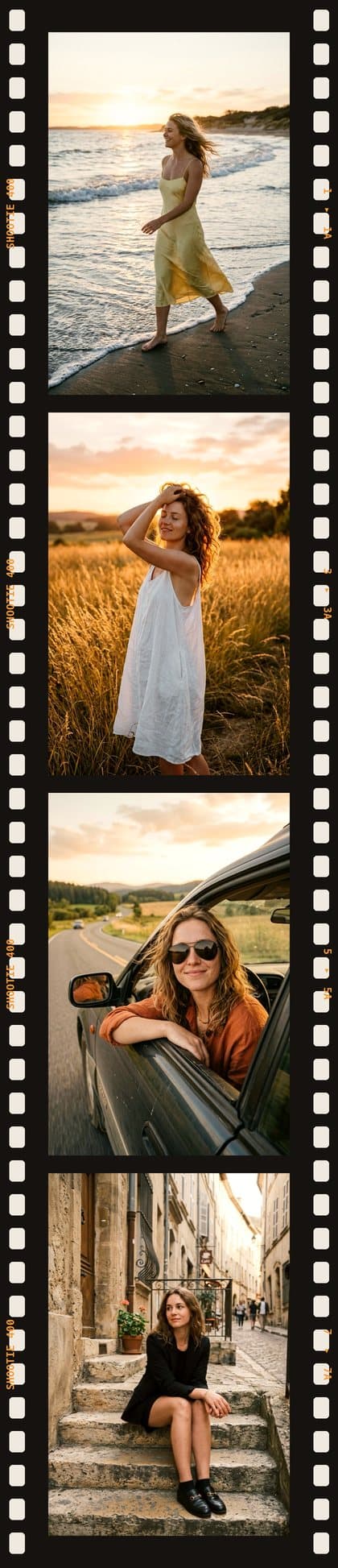
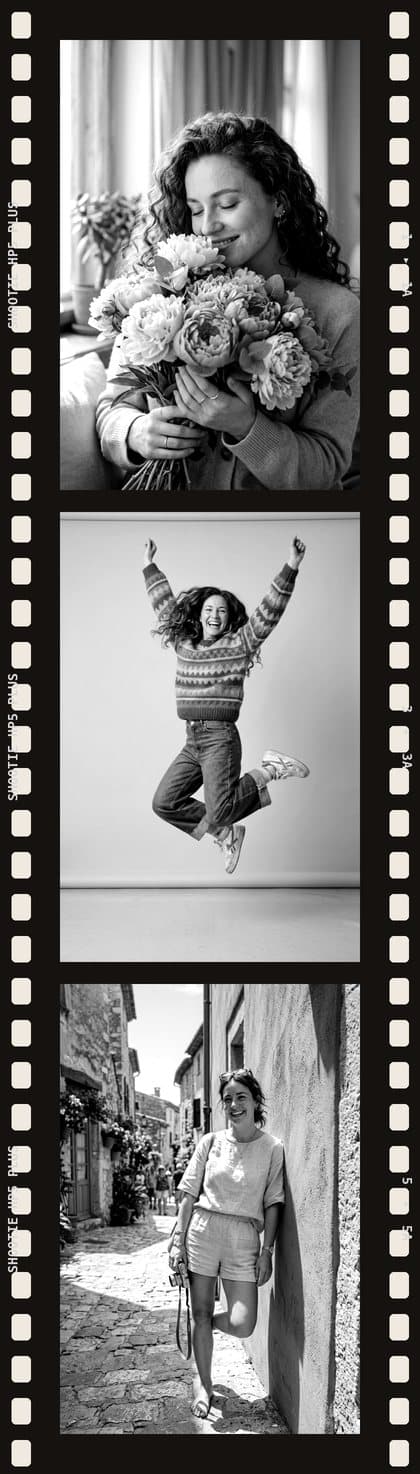
Color film, black & white or wide frames
Warm color negative, contrasty black & white, vertical or horizontal 3:2 frames — like real 35mm.
Everything a film roll photo needs
No film frame templates or PNG overlays to download — the strip is built around your photos.
Free, no watermark
The Film Roll tool doesn't use coins, and there's no logo on the strip.
Up to 4 frames
One to four shots on one strip — each cropped to the classic 35mm 3:2 frame.
Real film details
Sprocket holes on both edges, frame numbers and the film stock name printed on the border.
Two film stocks
Warm color film with a slight vintage tint, or contrasty black & white like HP5.
Vertical or horizontal
Portrait frames for Stories and Reels covers, landscape frames for posts and prints.
Stays on your device
The strip is drawn in your browser; photos are uploaded only if you save the result to your gallery.
How to put photos on a film strip
- 1
Pick 1–4 photos
From your phone or computer. On a phone you can shoot them with the camera right in the picker.
- 2
Choose the film
Color or black & white, vertical or horizontal frames. Swap or reorder shots any time.
- 3
Download
Save the strip, post it to Stories or print it as a keepsake.
Film strip ideas
- Trip story: four shots from one day, from morning coffee to sunset.
- Couple roll for an anniversary — black & white looks especially timeless.
- Instagram Story or Reels cover in a vertical film frame.
- Outfit of the day: the same look from four angles.
- Birthday or wedding: one roll per guest as a printed keepsake.
- Moodboard for a photo shoot in the style of 90s point-and-shoot film.
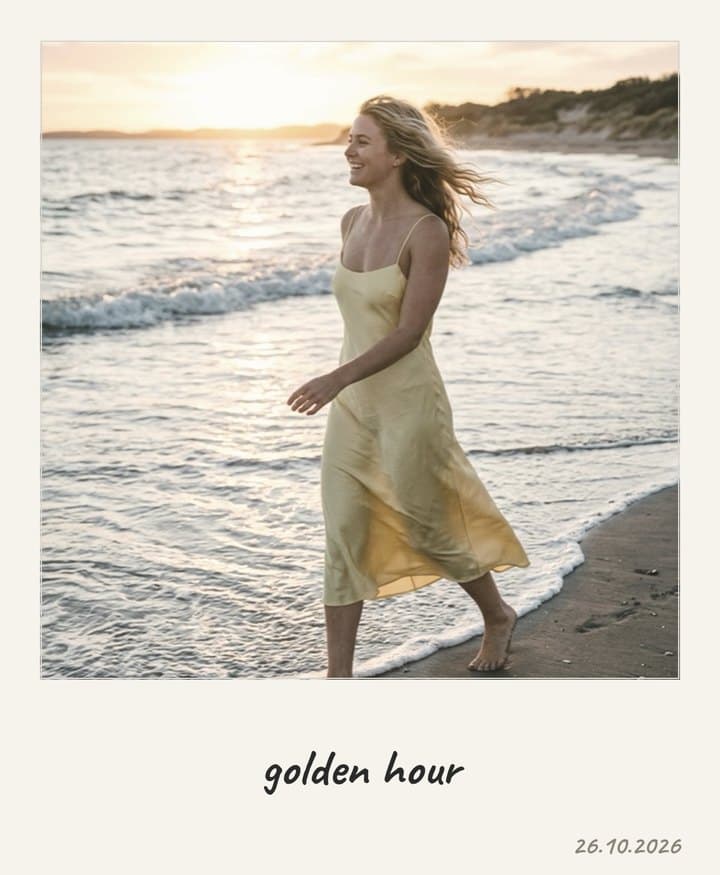
More instant-film looks
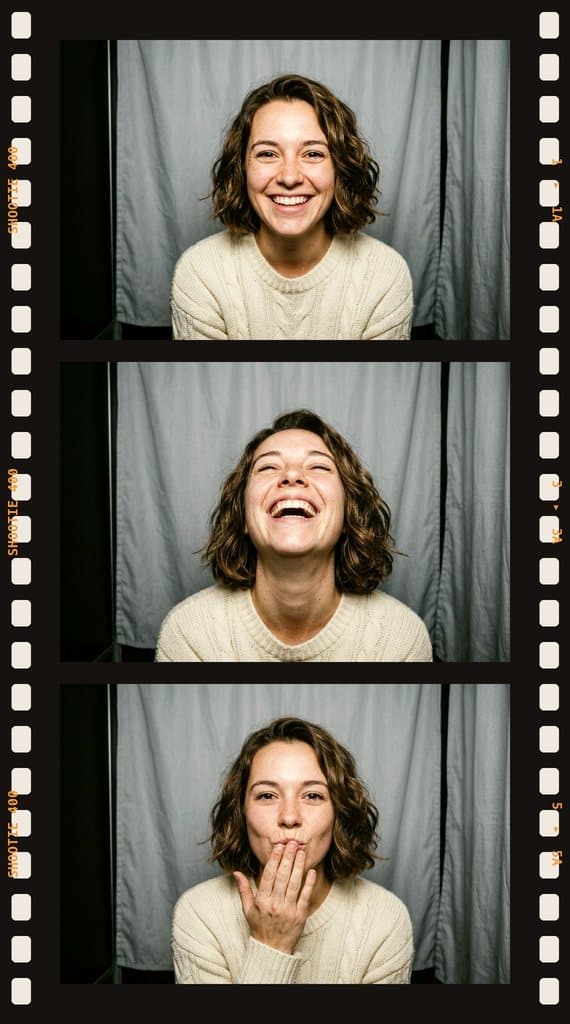
Turn a single photo into a Polaroid with a handwritten caption, or stack 3–4 shots on a classic photo booth strip.
Fix the photo before you frame it
Someone blinked, or the best shot isn't quite right? Shootie's AI tools fix it first — then turn it into a Polaroid or a strip.
Questions and answers
Is the film strip maker free?
Yes. The Film Roll tool doesn't use coins and doesn't add a watermark. A free Shootie account lets you keep strips in your gallery.
How many photos fit on one film strip?
From one to four. Each photo is cropped to a 3:2 frame — the proportions of a real 35mm negative (36 × 24 mm).
Can I make a black & white film strip?
Yes. Switch the film to black & white — the photos get a contrasty B&W look and the border says HP5 PLUS.
What size is the result?
Each frame is 600 × 900 px (or 900 × 600 px for horizontal frames), and a four-frame vertical strip is 840 × 3892 px — sharp enough for Stories and small prints.
Do I need a PNG film frame template?
No. Shootie draws the film, sprocket holes and frame numbers around your photos automatically — nothing to download or align by hand.
Are my photos uploaded?
No. The strip is drawn right in your browser. Photos go to the server only if you choose to save the result to your Shootie gallery.
Make your first roll of film
Four photos, one strip — and it looks like it came straight from a 35mm camera.
Open Film Roll