Free Polaroid maker
Turn any photo into a Polaroid
A classic white Polaroid frame, a handwritten caption and the date in the corner — in a couple of taps, right in your browser. Free, no watermark, in the real Polaroid 600 proportions.

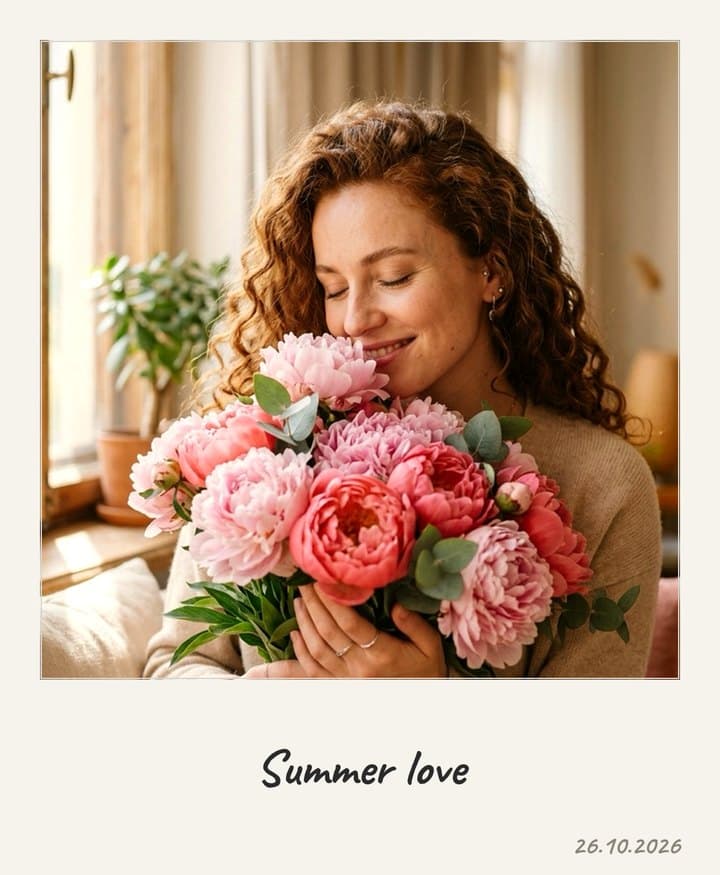
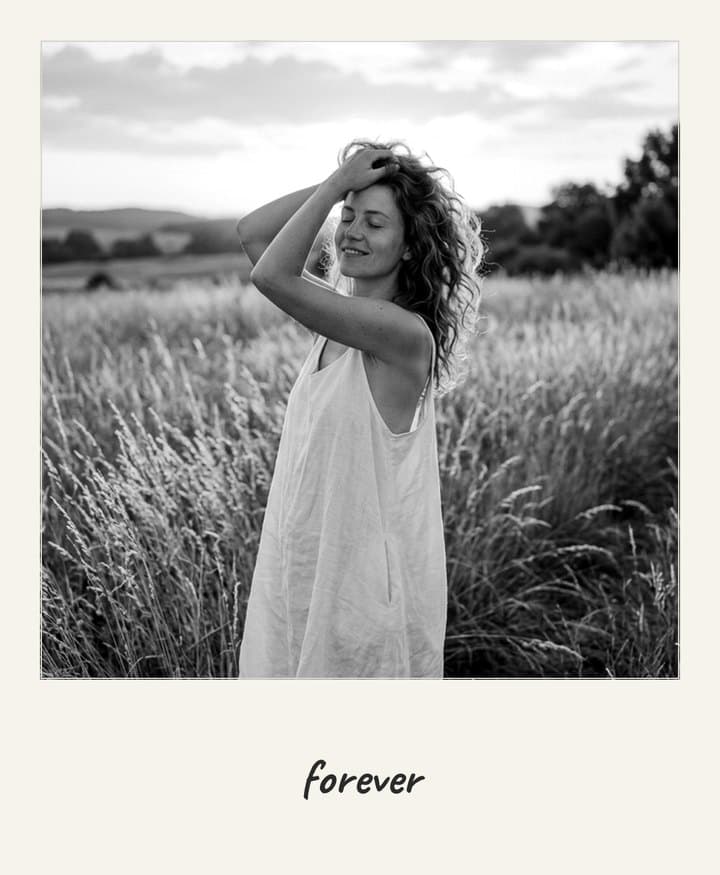
Four film tones
Keep the colors as they are or give the photo the look of real instant film.
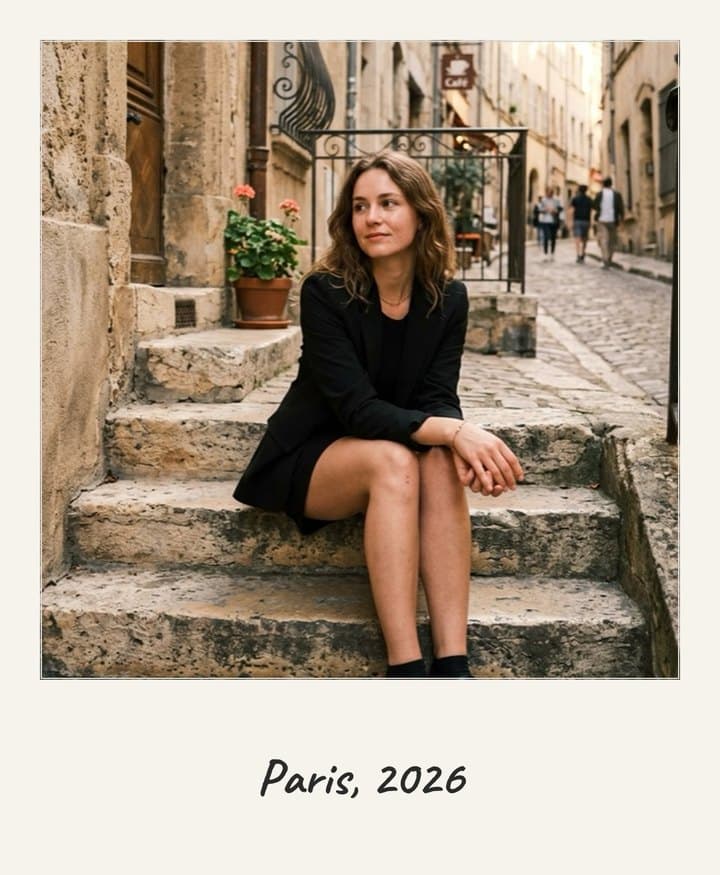
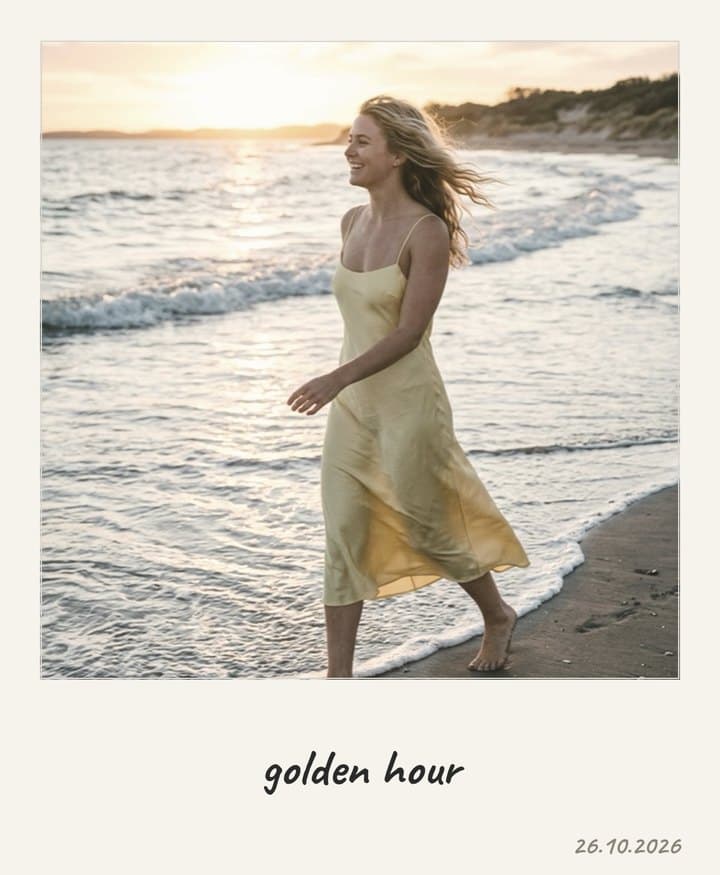
Everything a Polaroid photo needs
No templates to download, no Photoshop — the frame is built around your photo automatically.
Free, no watermark
The Polaroid tool doesn't use coins, and there's no logo on the result.
Handwritten caption
Add a short caption in a handwriting font and the date in the corner — like on a real card.
Real Polaroid proportions
88 × 107 mm frame with a 79 × 79 mm square photo, exactly like Polaroid 600 film.
Crop and zoom
Drag the photo inside the frame and zoom with a pinch or the slider to get the framing right.
Ready to print
The image is 1080 × 1313 px — about 300 dpi at the real Polaroid size.
Stays on your device
The frame is drawn right in your browser; the photo is uploaded only if you save it to your gallery.
How to make a Polaroid photo
- 1
Choose a photo
From your phone or computer — any format and orientation.
- 2
Set it up
Move the photo inside the frame, pick a tone, add a caption and the date.
- 3
Download
Save the Polaroid to your device, post it or send it to print.
What size is a Polaroid photo?
The most common instant photo formats — frame size and image size.
| Format | Card | Image |
|---|---|---|
| Polaroid 600 / i-Type / SX-70 | 88 × 107 mm · 3.5 × 4.2″ | 79 × 79 mm · 3.1 × 3.1″ |
| Polaroid Go | 54 × 67 mm · 2.1 × 2.6″ | 47 × 46 mm · 1.9 × 1.8″ |
| Instax Mini | 54 × 86 mm · 2.1 × 3.4″ | 46 × 62 mm · 1.8 × 2.4″ |
| Instax Square | 72 × 86 mm · 2.8 × 3.4″ | 62 × 62 mm · 2.4 × 2.4″ |
| Instax Wide | 108 × 86 mm · 4.3 × 3.4″ | 99 × 62 mm · 3.9 × 2.4″ |
Shootie uses the classic Polaroid 600 proportions: print the result at 88 × 107 mm and it will look like a real instant photo.
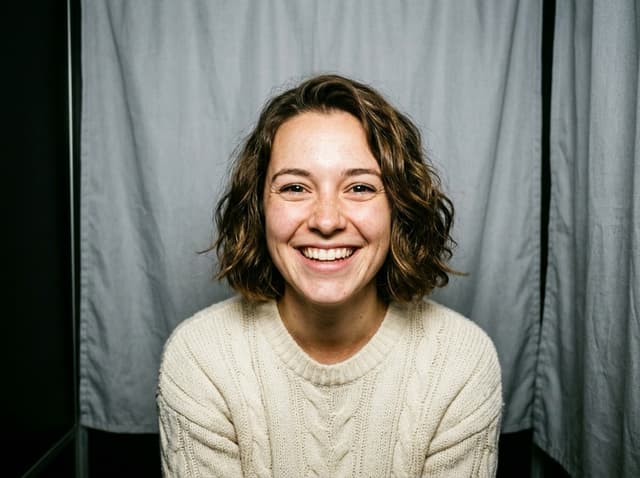

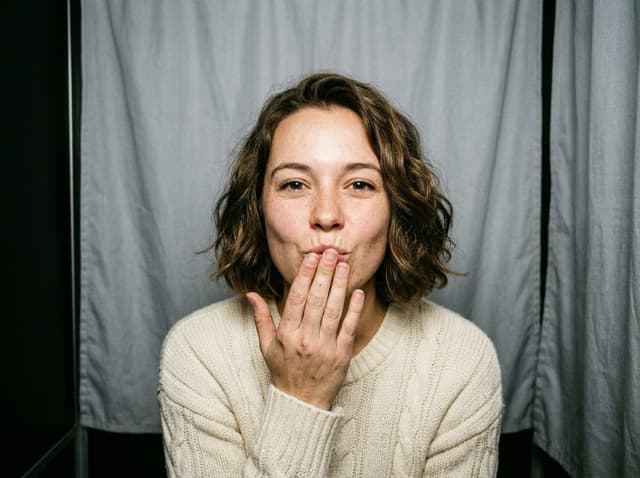
Polaroid photo booth strip
Have a few shots from the same day? Put 3–4 of them on a photo booth strip with a caption — also free.
Open Photo BoothFix the photo before you frame it
Someone blinked, or the best shot isn't quite right? Shootie's AI tools fix it first — then turn it into a Polaroid or a strip.
Questions and answers
Is the Polaroid maker free?
Yes. The Polaroid tool doesn't use coins and doesn't add a watermark. A free Shootie account lets you keep results in your gallery.
What size is a Polaroid photo?
A classic Polaroid 600 / i-Type card is 88 × 107 mm (3.5 × 4.2 in) with a square 79 × 79 mm image. Shootie uses exactly these proportions.
Can I print the result?
Yes. The file is 1080 × 1313 px — about 300 dpi when printed at the real Polaroid size of 88 × 107 mm.
Can I add text and a date?
Yes: a short caption in a handwriting font under the photo and, if you like, the date in the corner.
Is my photo uploaded anywhere?
No. The frame is drawn right in your browser. The photo goes to the server only if you choose to save it to your Shootie gallery.
Can I make a photo booth strip too?
Yes — the free Photo Booth tool puts 3–4 photos on one strip, and Film Roll places up to 4 shots on a strip of 35 mm film.
Make your first Polaroid
One photo, a couple of taps — and it looks like it came out of an instant camera.
Make a Polaroid